> ## Documentation Index
> Fetch the complete documentation index at: https://docs.zuper.co/llms.txt
> Use this file to discover all available pages before exploring further.
# Edit Company Details
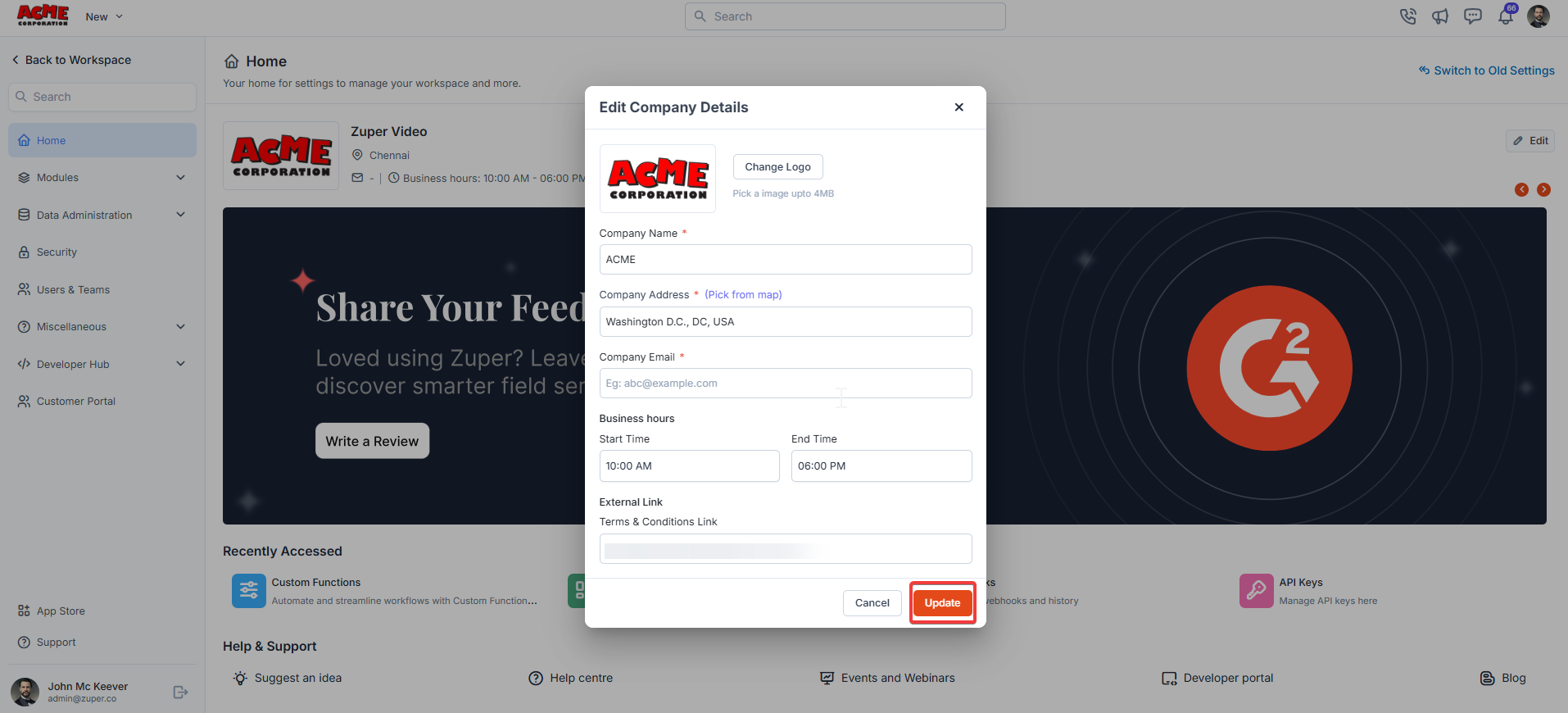
The main section provides an overview and quick actions:
* **Workspace Information**: Displays your current workspace and operational details (e.g., business hours: 10:00 AM – 06:00 PM).
* **Feedback Prompt**: Share your experience with Zuper by clicking "**Write a Review**" to help improve field service management.
* **Switch to Old Settings**: Toggle between the current and previous settings interface if needed.
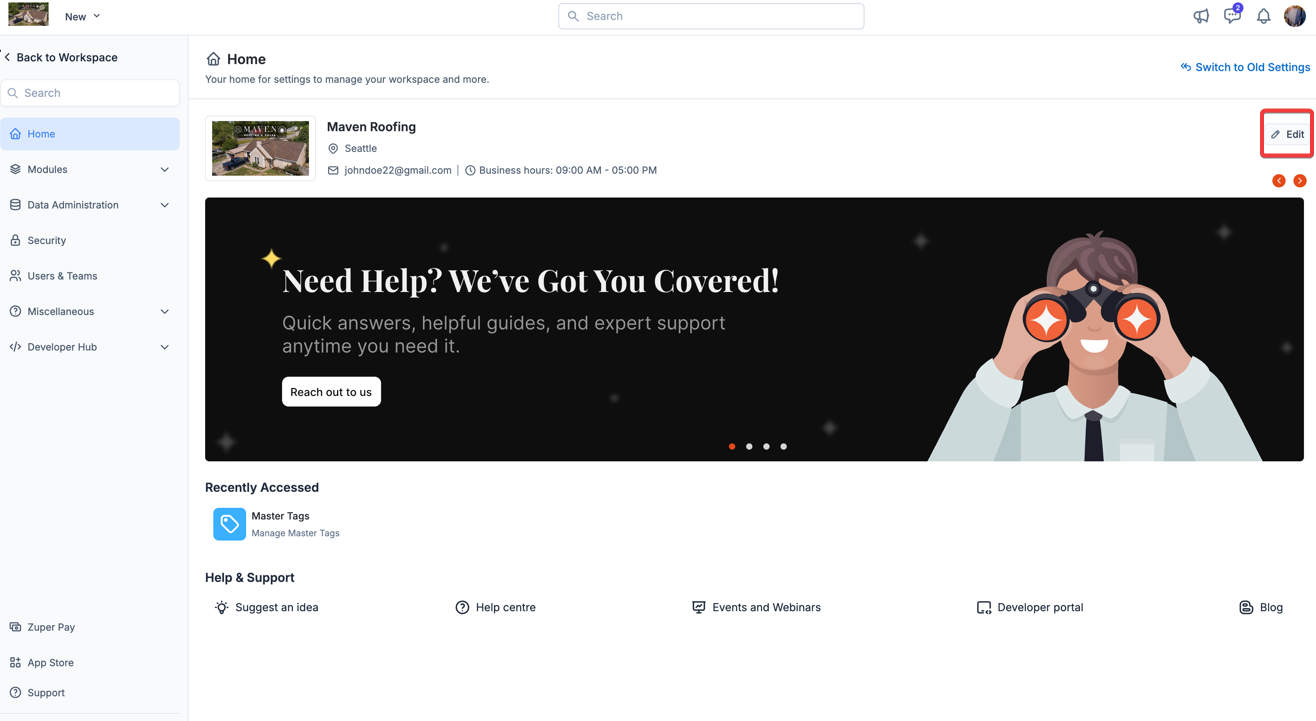
1. Click the icon to modify the company details.
 2. Modify the company details and click the "**Update**" button.