> ## Documentation Index
> Fetch the complete documentation index at: https://docs.zuper.co/llms.txt
> Use this file to discover all available pages before exploring further.
# Create Your Invoice
**Overview**
Zuper makes invoicing easy for roofing companies. Create professional bills linked to your jobs, quotes, or properties. This guide covers converting proposals to invoices or building them from scratch after inspections, helping you bill accurately for materials, labor, and services.
An invoice requests payment for your roofing work. It lists services such as inspections and replacements, materials like shingles and nails, labor costs, taxes, and discounts. Use invoices to track project revenue, manage material payments, and maintain accurate records with customers.
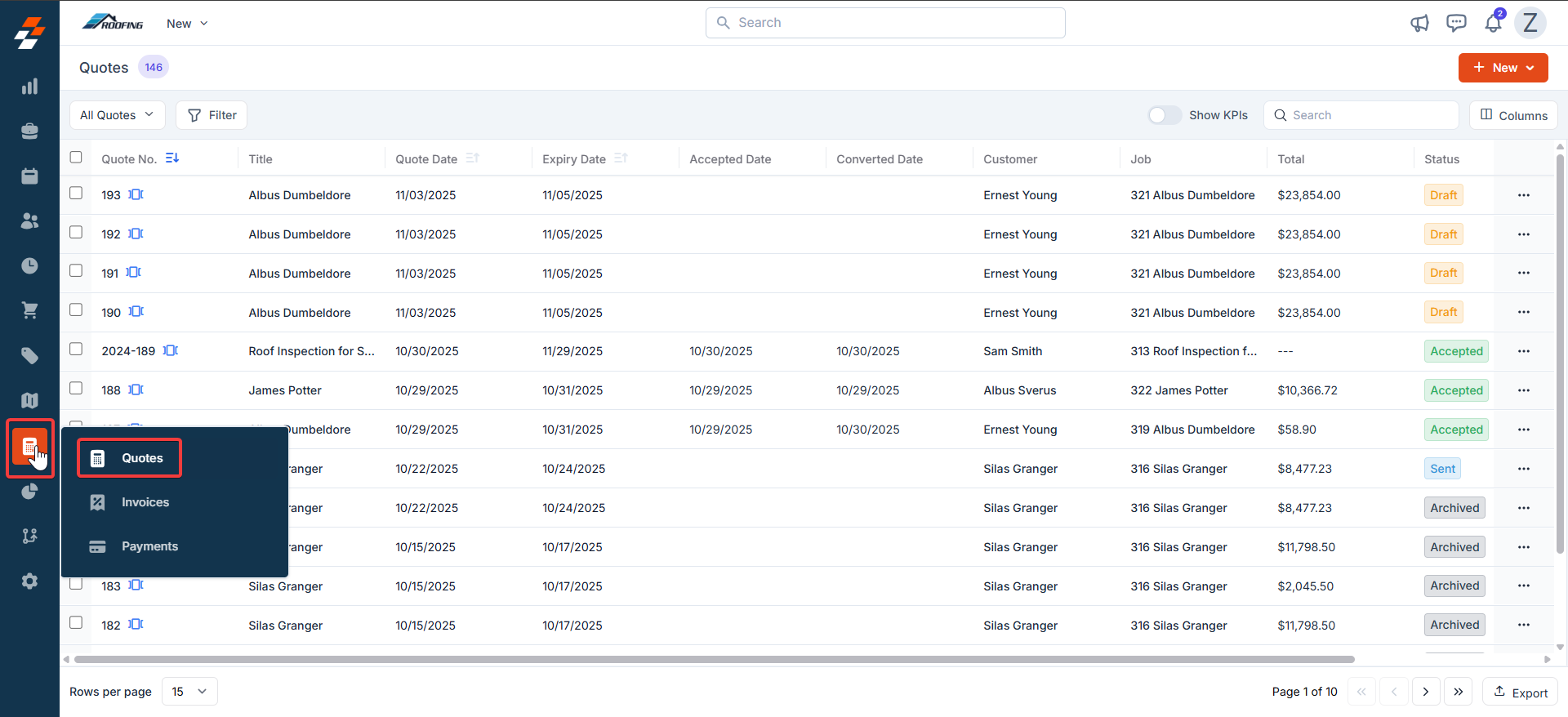
**Navigation**: Accounting --> Quotes --> More Actions --> Convert to Invoice
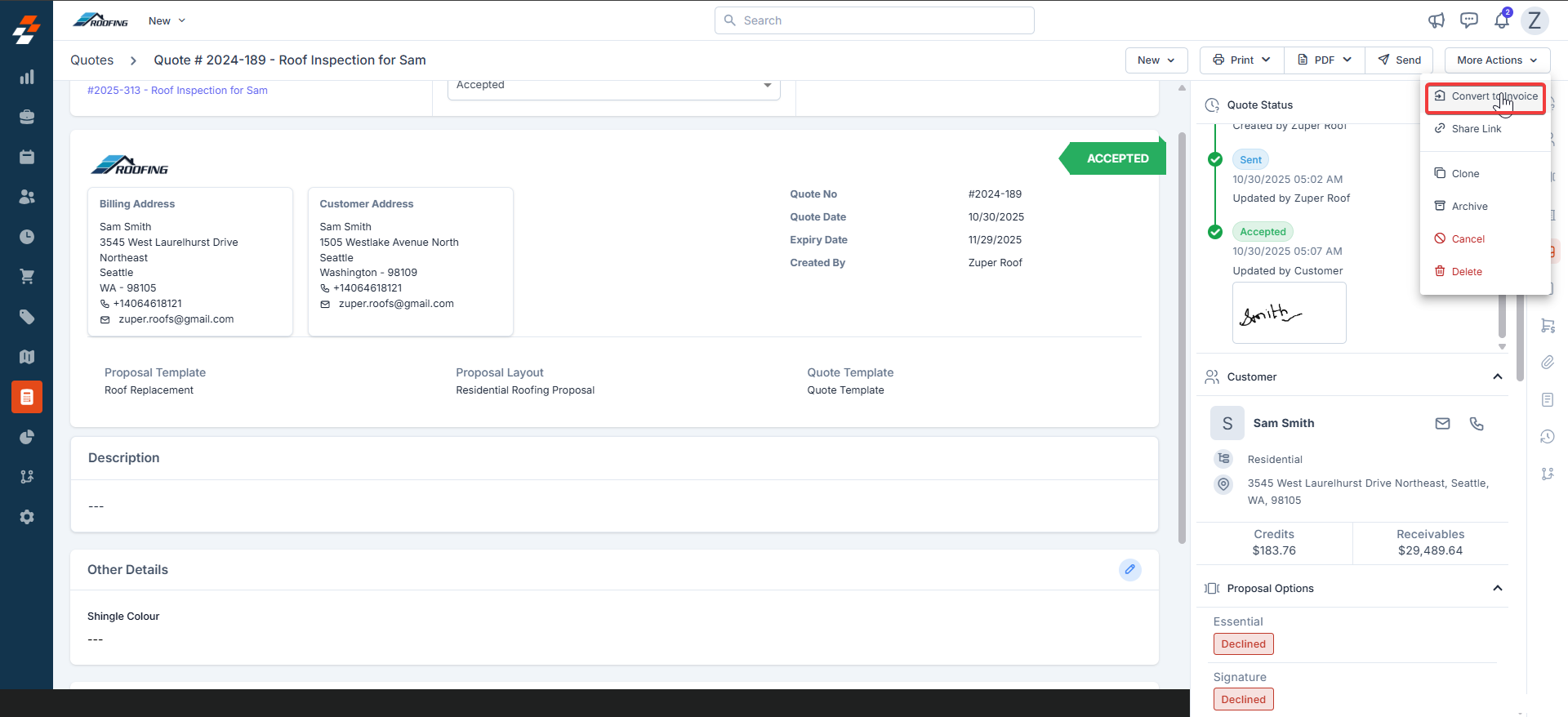
1. Select the “**Accounting**” module from the left navigation menu and choose “**Quotes**.” Under “**More Actions**,” click “**Convert to Invoice**.”
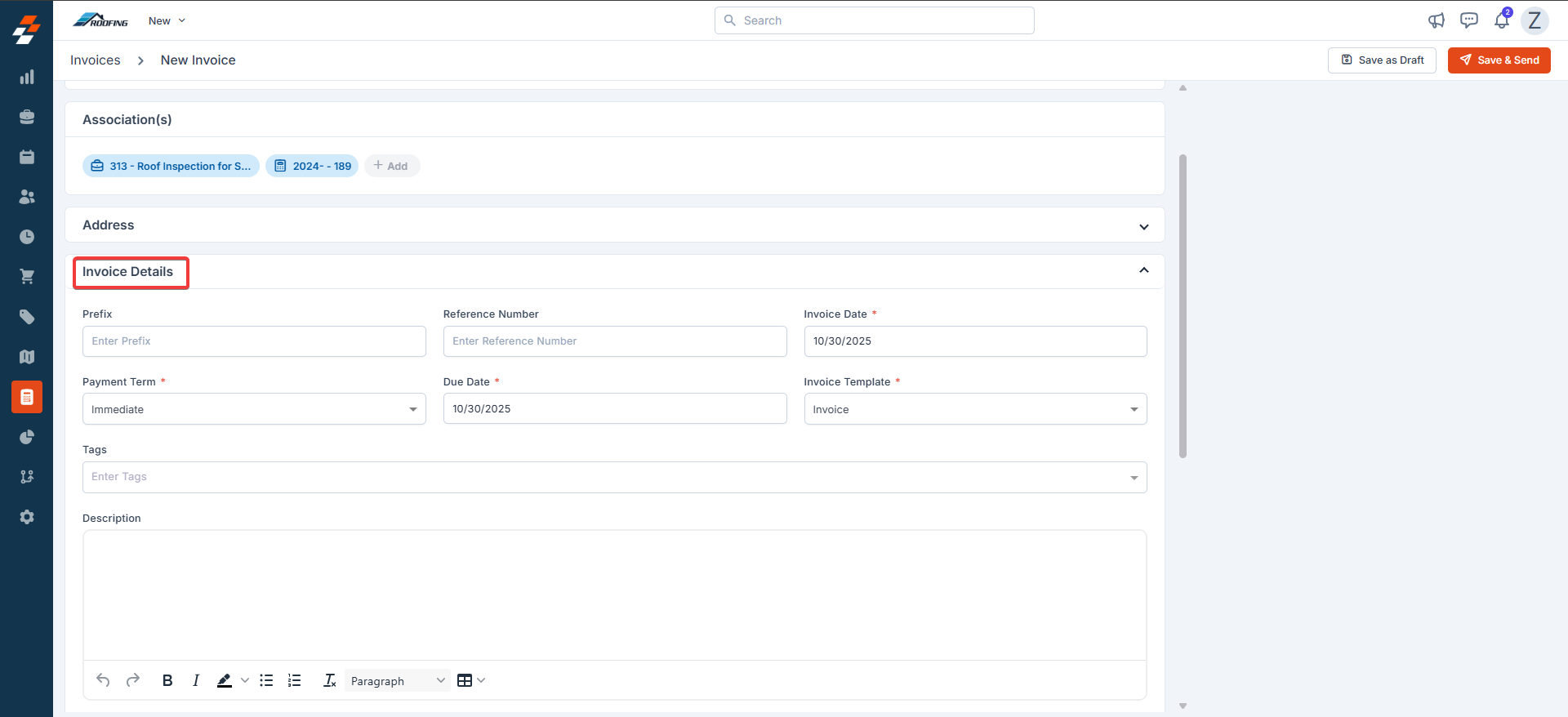
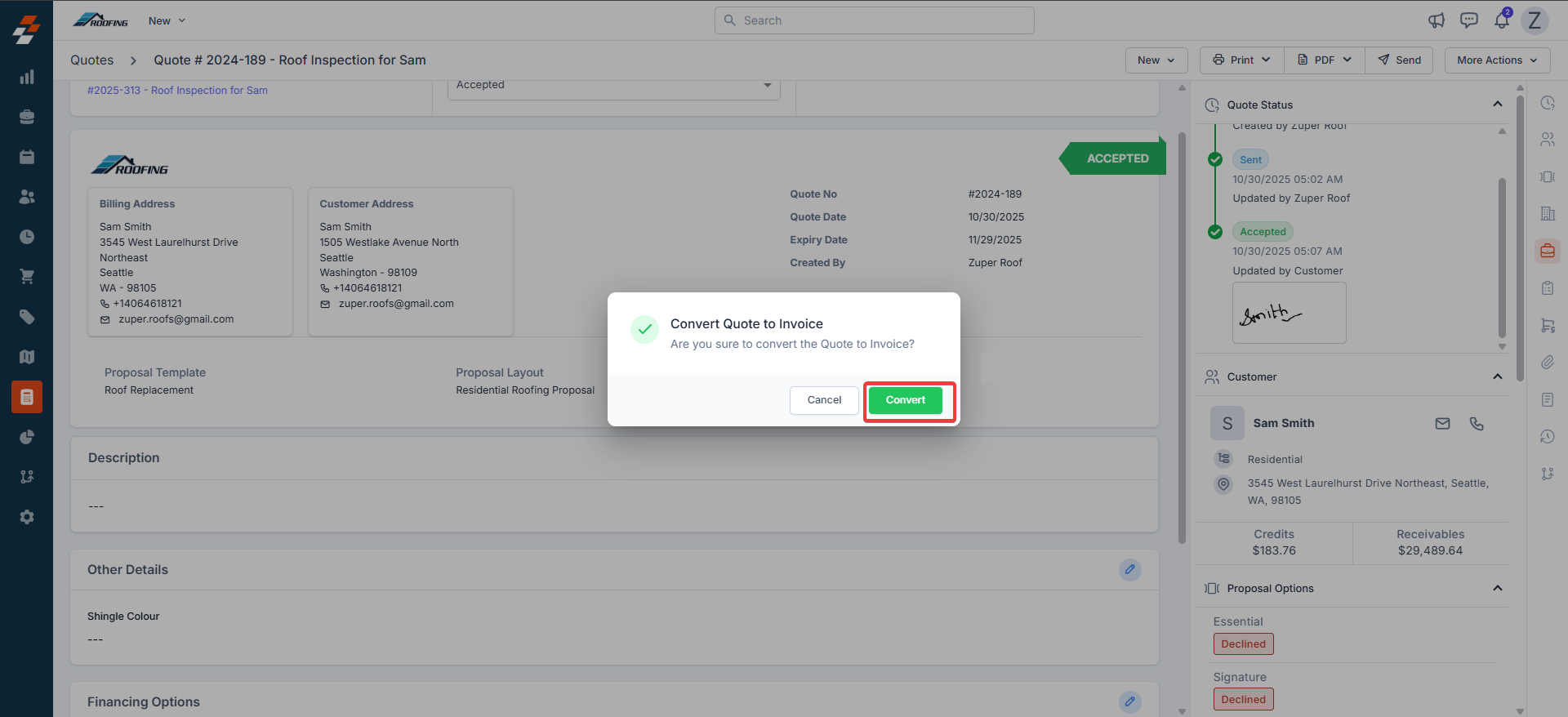 2. Verify the “**Invoice details**” section.
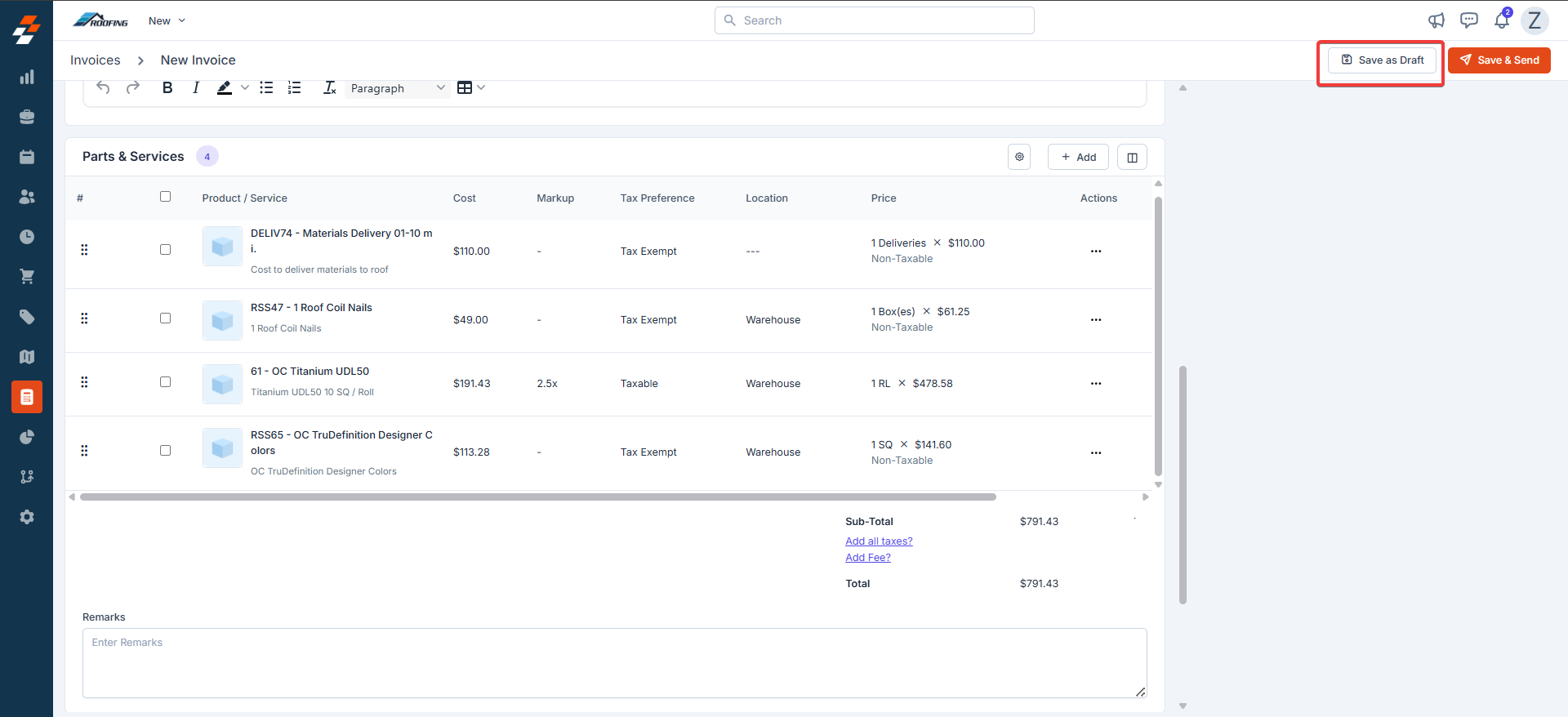
 3. The parts and services are prefilled from Proposals. Click "**Save as Draft**."
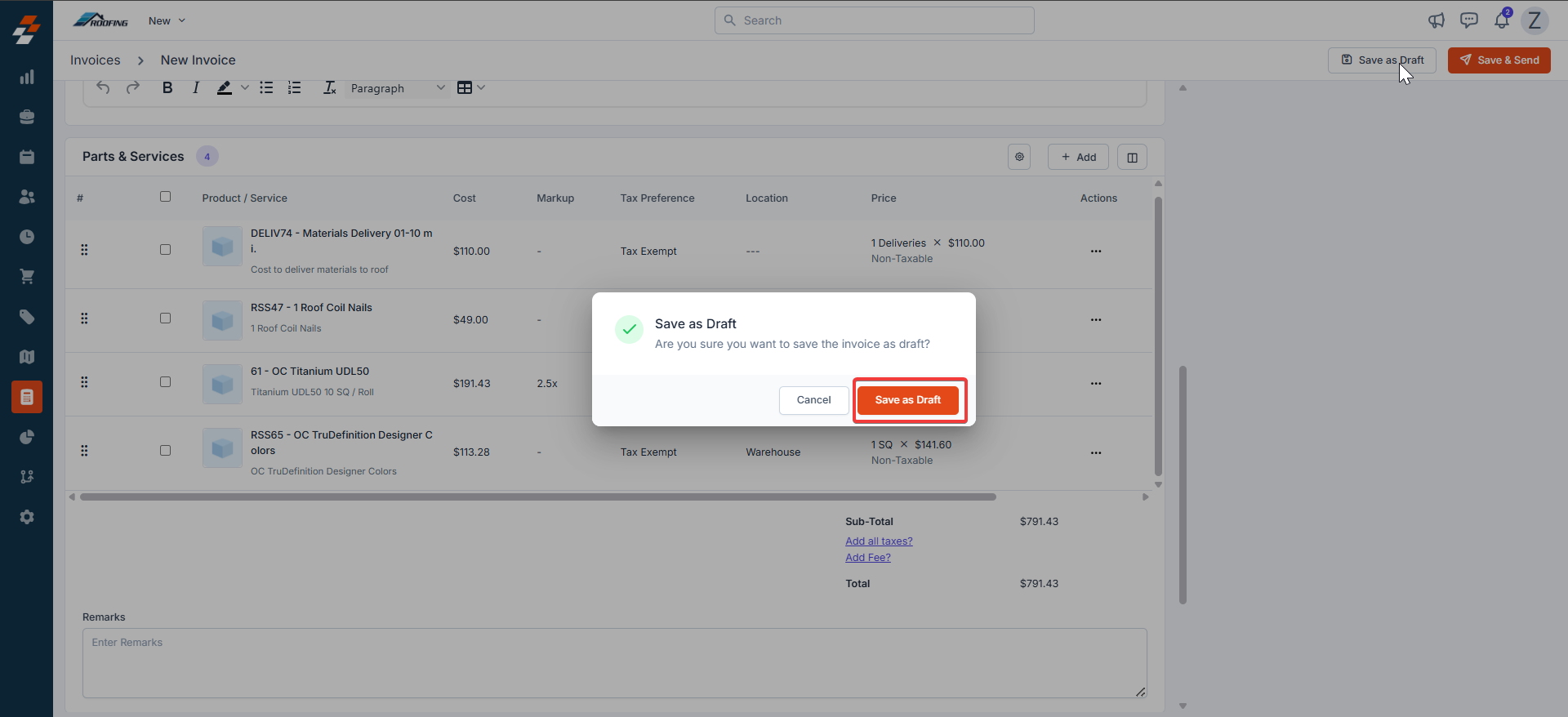
 4. Confirm the dialog box message.
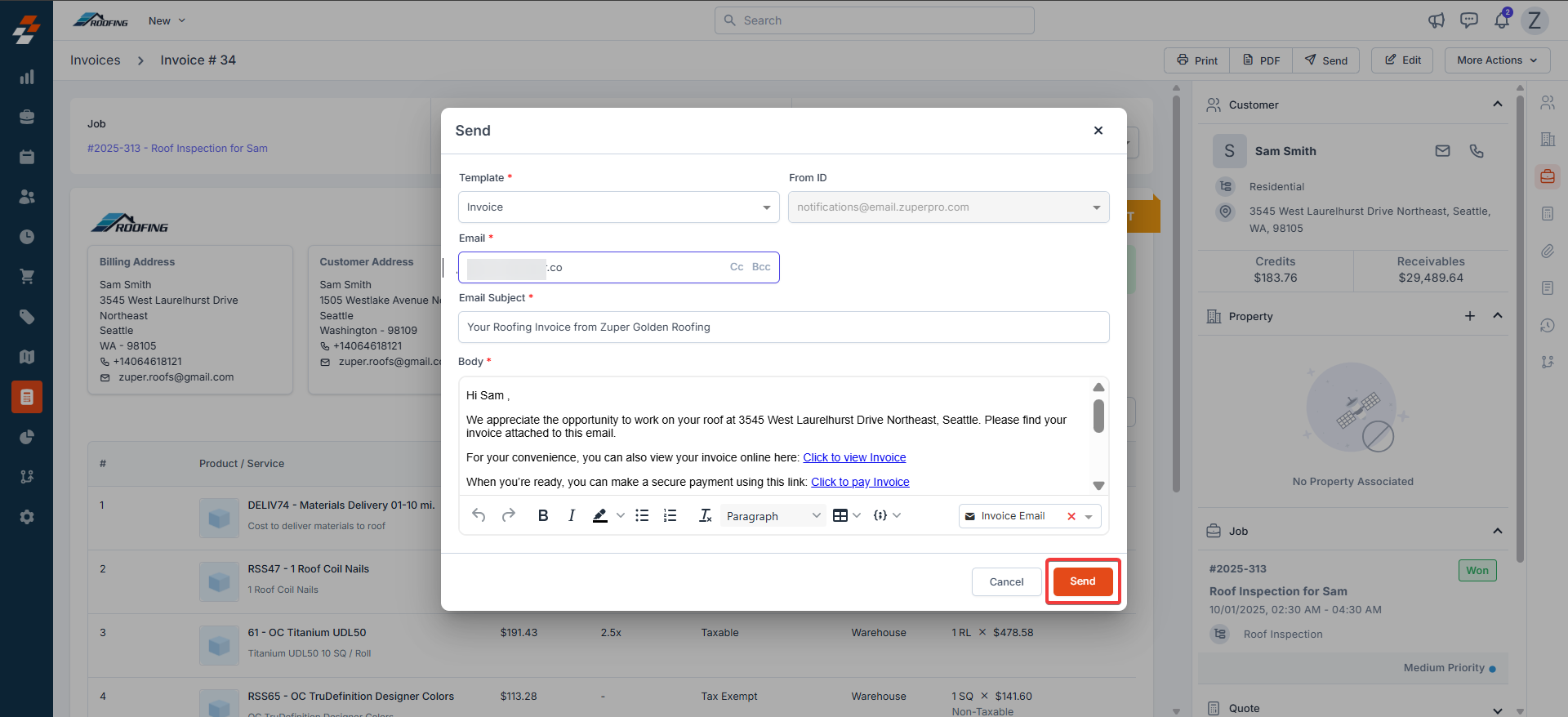
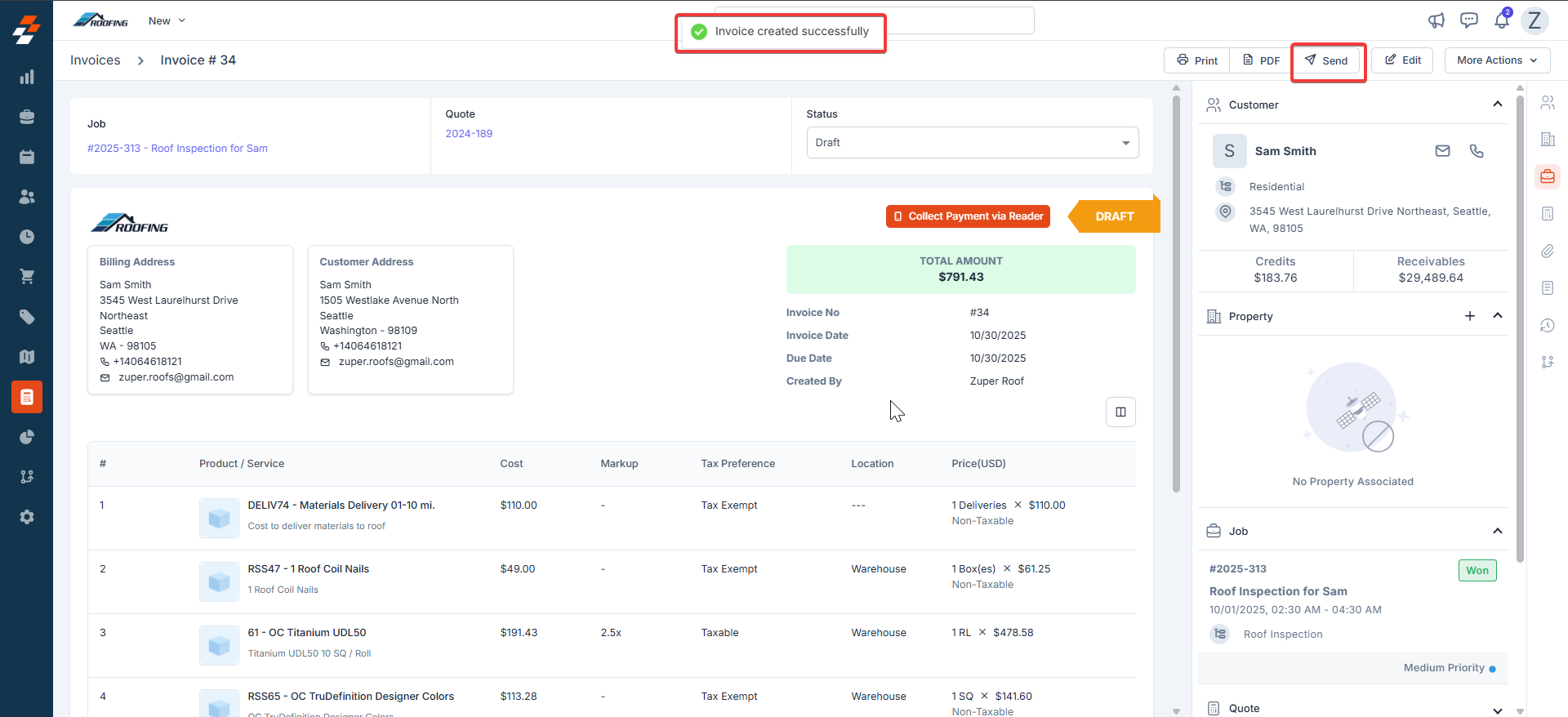
 5. The invoice is created successfully. Click “**Send**” to send the invoice email.

 6. The invoice is created successfully.
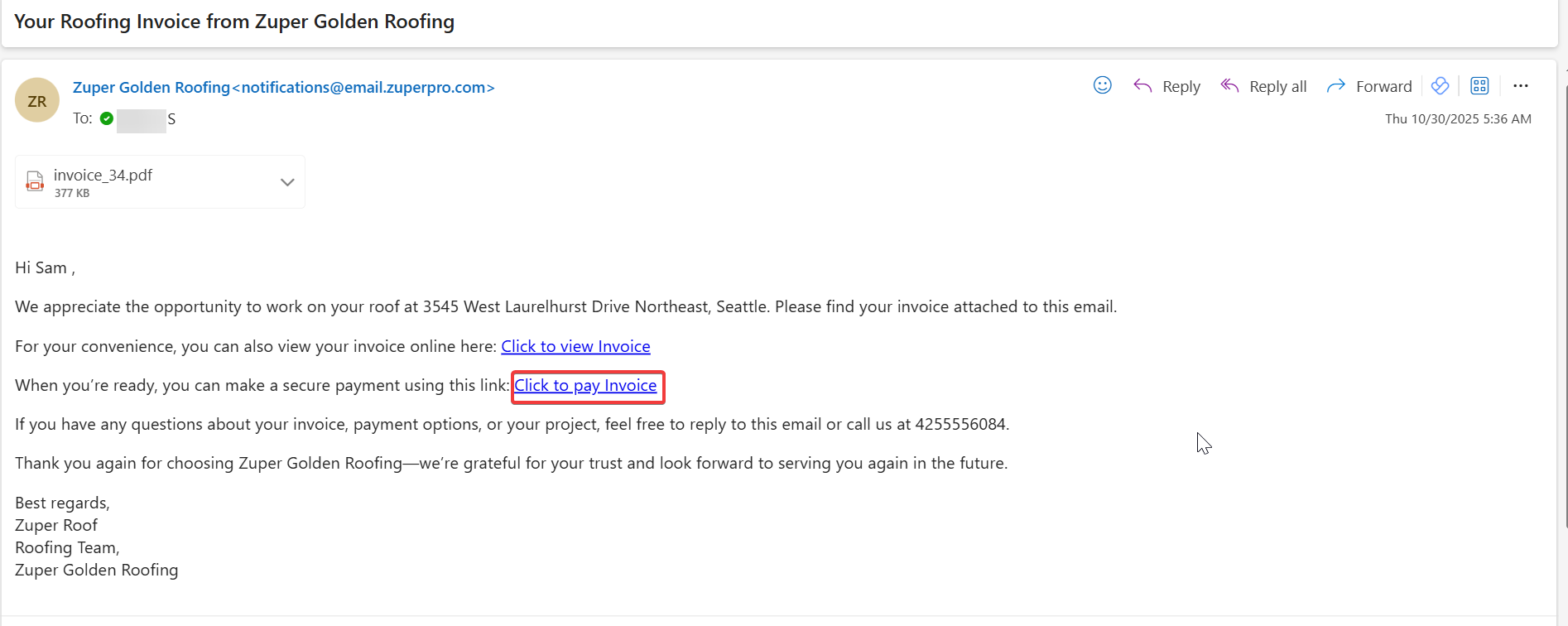
7. The customer receives an email to pay the invoice.
6. The invoice is created successfully.
7. The customer receives an email to pay the invoice.
 8. In case of offline payment, the payment is recorded by the admin.
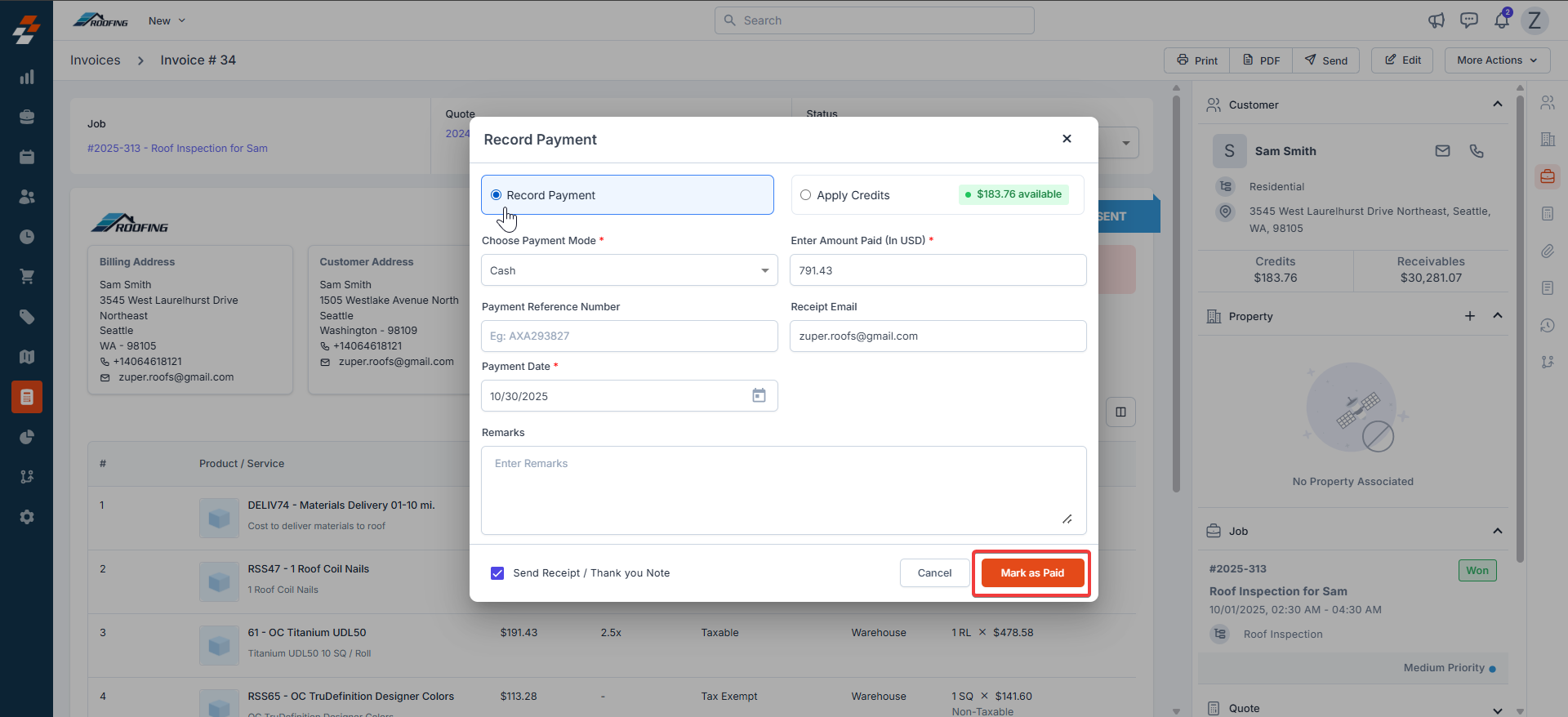 9. The invoice payment is successful.
 With Zuper's intuitive invoicing tools, creating and managing bills for your roofing projects has never been simpler or more efficient. From converting accepted proposals to detailed breakdowns of shingles, underlayment, and labor costs, you will spend less time on paperwork and more time on what matters and delivering top-notch roofs that protect homes and build lasting customer trust.