

iOS
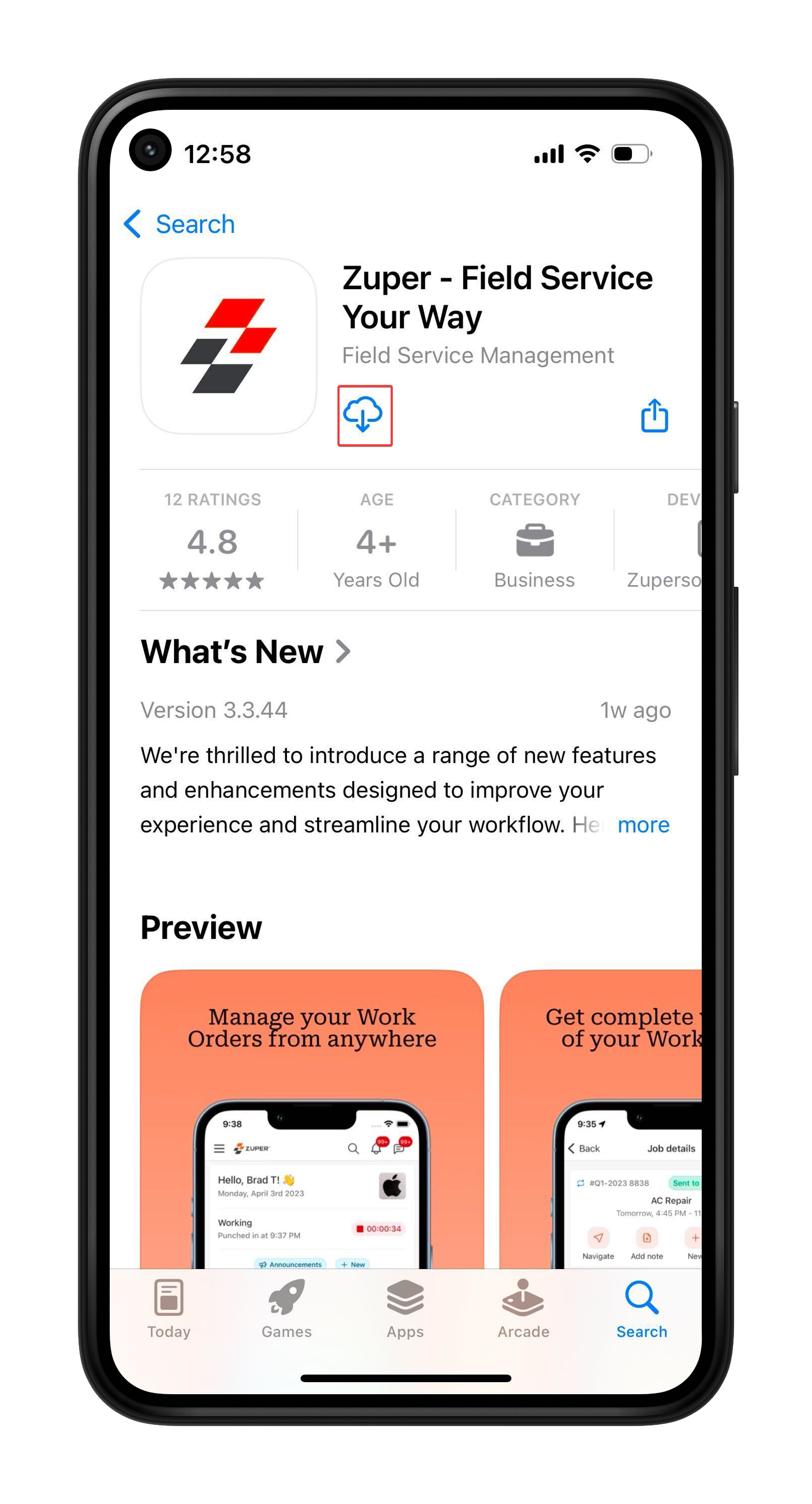
- Open the App Store on your device. Alternatively, click this link. Search for “Zuper- Field Service Your Way” and select it from the results. Tap the ⬇️ icon to install the app.
- Once installed, open the app and enter your “Company Name” to proceed. Enter your “Email ID” and “Password,” then click the “Login” button.
Android
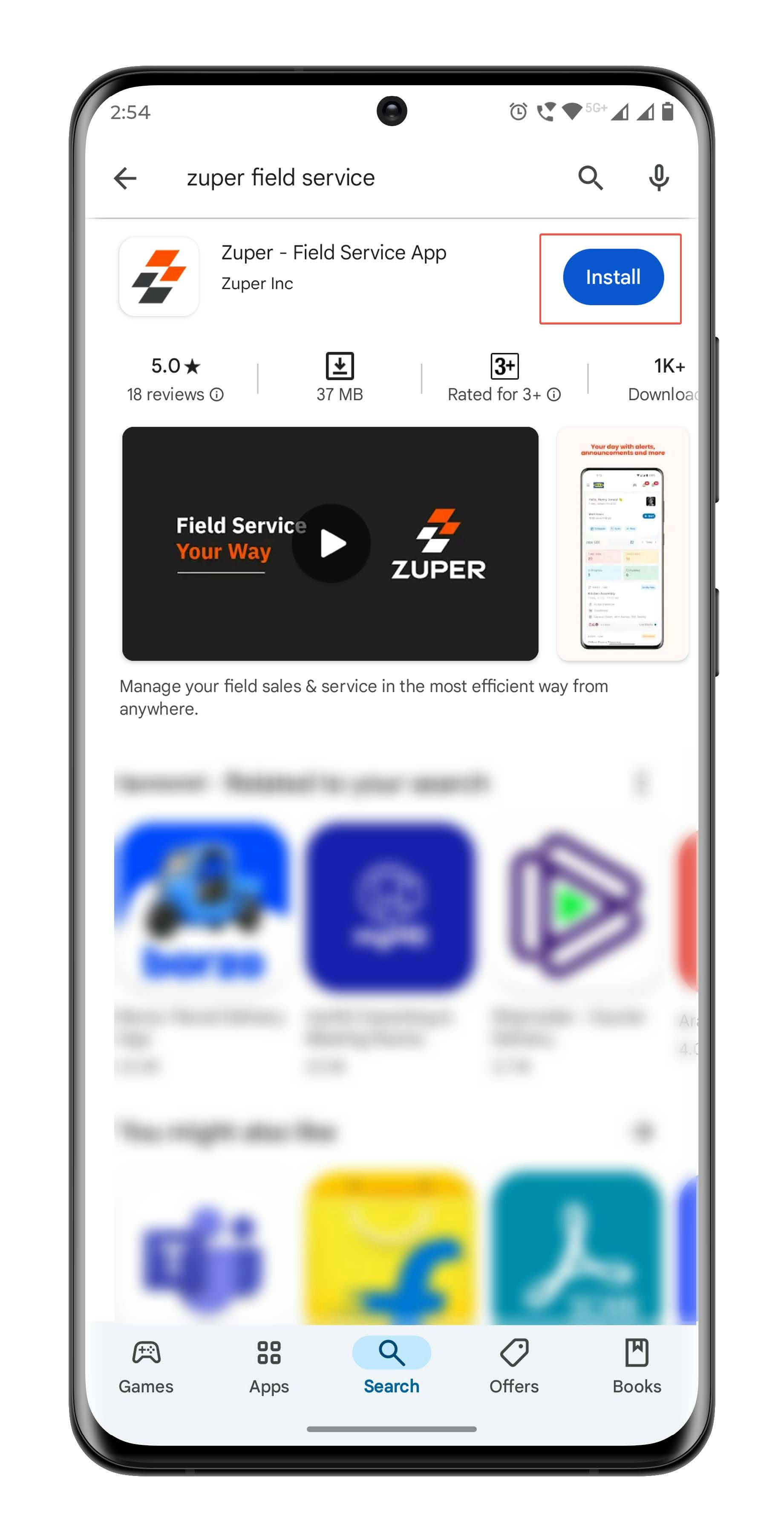
- Open the Google Play Store on your device. Alternatively, click this link. Search for “Zuper- Field Service App” and select it from the results. Tap the “Install” button to install the apps.
- Once installed, open the app and enter your “Company Name” to proceed. Enter your “Email ID” and “Password,” then click the “Login” button.
Note: The Zuper Field Service App is the current, latest mobile application. The Zuper Pro Mobile App is the older version and is no longer the latest.
Troubleshooting
Why is my account locked, and how do I log in again?
Why is my account locked, and how do I log in again?
If you enter an incorrect password 3 times, Zuper blacklists your network IP for 30 minutes due to security policy. You can sign in again after 30 mins or try with a different network.
If the issue continues, contact Support.
If the issue continues, contact Support.
Web
- Open your web browser and go to https://web.zuperpro.com/login
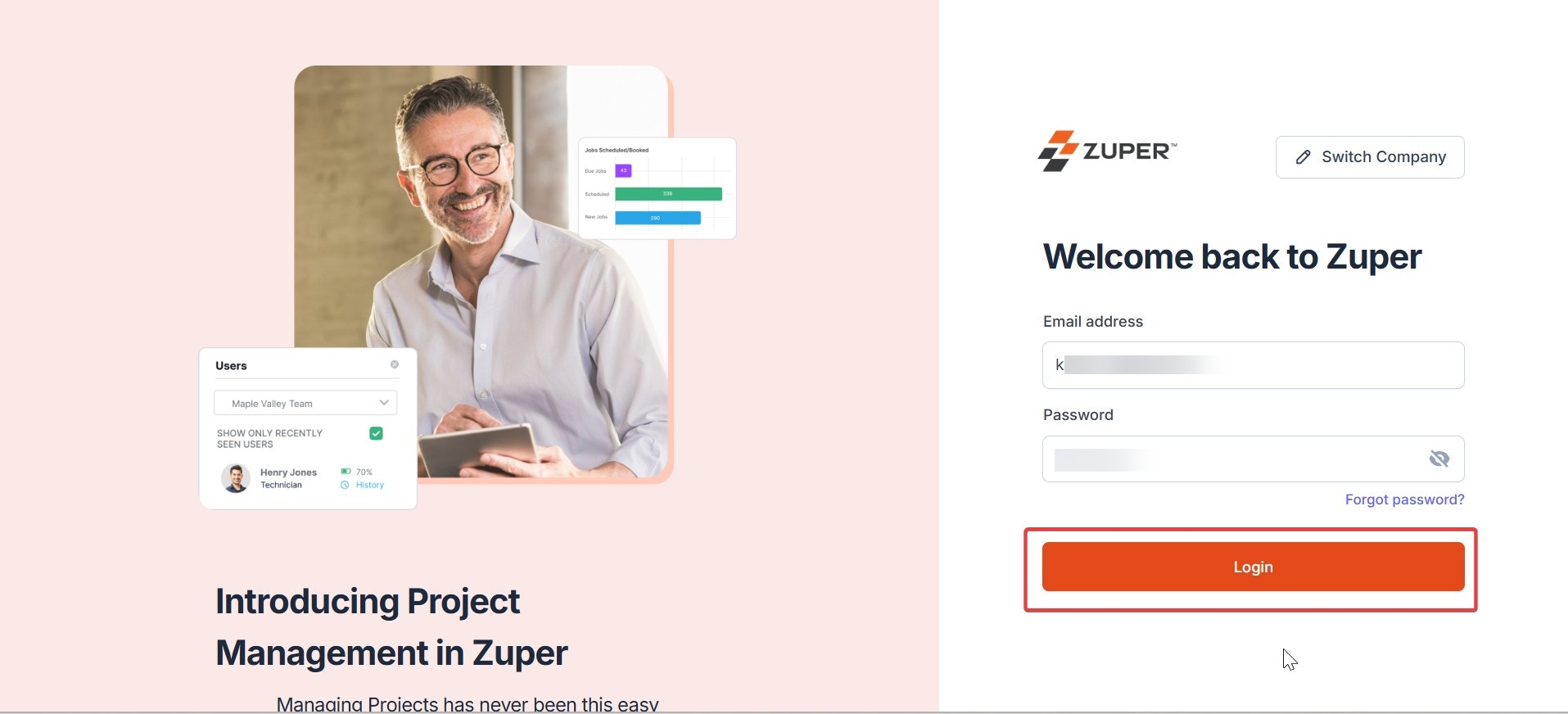
- Enter your “Company Name,” and on the next page, enter your “Email ID” and “Password,” then click the “Login” button to enter Zuper.
Zuper web app currently supports the following web browsers:
- Chrome 131 and later
- Firefox 126 and later
- Edge 127 and later
- Safari 17.4 and later