

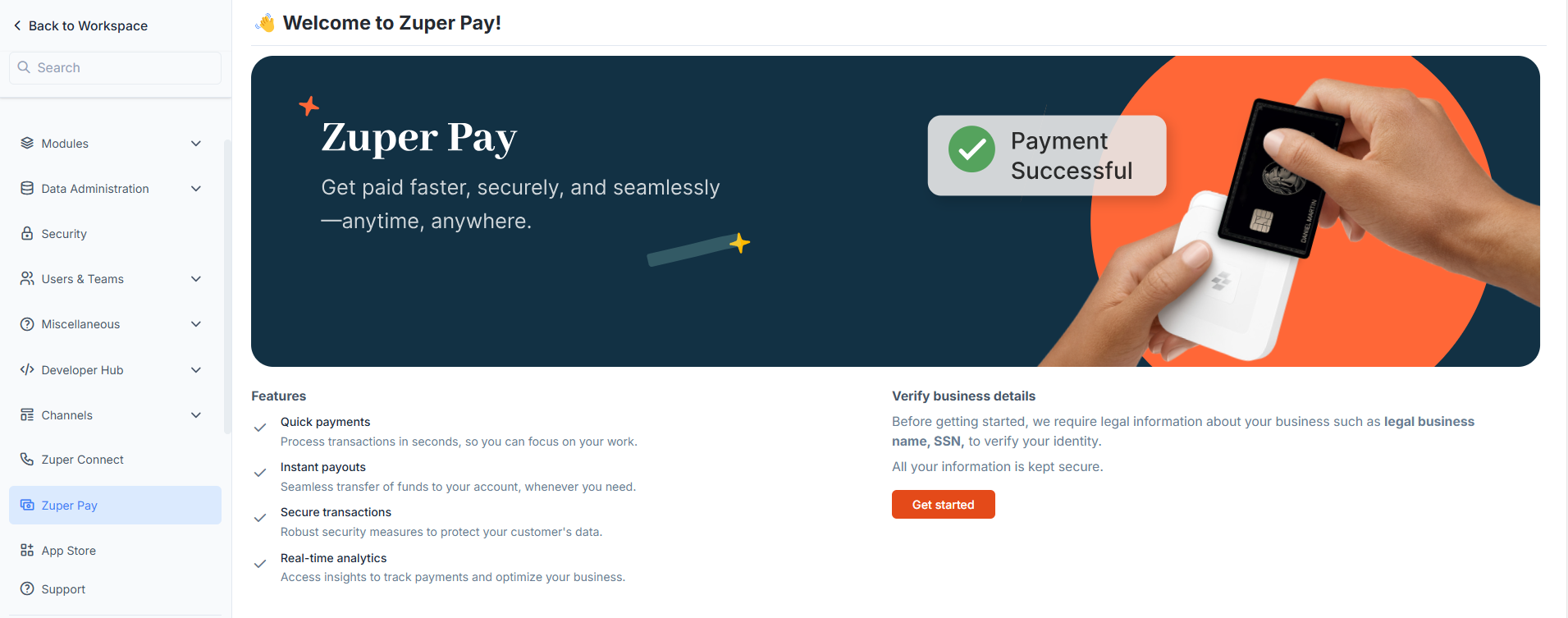
- A simple and convenient way for customers to pay online or on-site using card payments or bank transfers.
- The ability to securely save cards on file for future payments, whether for one-time charges or automatic recurring billing.
- A flexible solution for collecting payments in the field, with Zuper card readers enabling Tap, Swipe, or Dip options and Tap to Pay available on both iPhone and Android devices.
- An automated payment and reconciliation system that eliminates manual work and ensures every transaction is accurately recorded.
- Robust security and fraud prevention with PCI compliance to keep customer data safe.
Zuper Pay is available only in the United States.
Get Started with Zuper Pay
- Set up Zuper Pay — activate your account and link your bank details to start accepting payments.
- Manage Zuper Pay settings — update your bank and business information.
- Use the Zuper Pay dashboard — track transactions, monitor payouts, and view payment history in one place.
- Accept payments with a card reader — process payments on-site while customers tap, swipe, or insert their cards.
- Accept payments with Tap to Pay — on iPhone or Android.
- Set up automatic payments — charge customers automatically on a recurring schedule.
- Process refunds — issue a customer refund.