Sync History
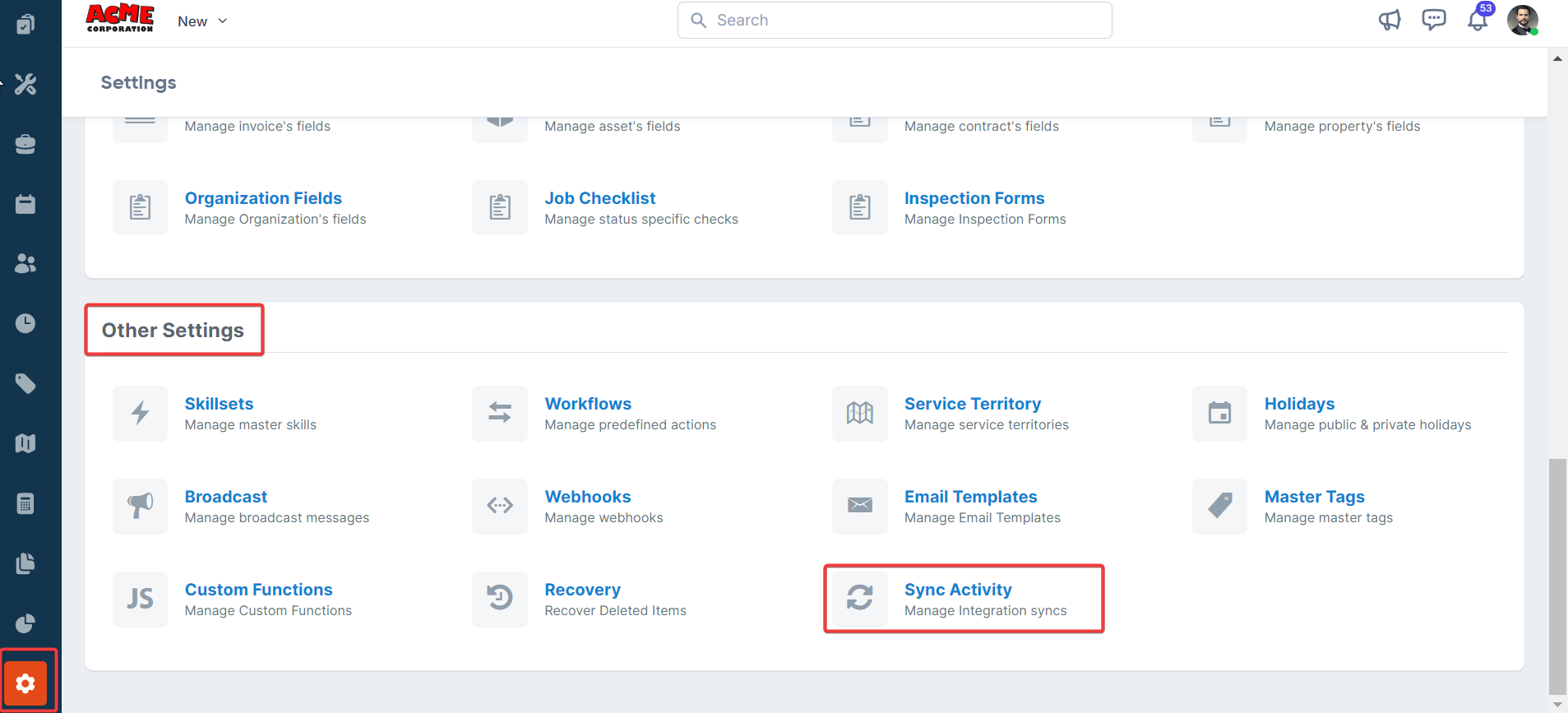
- Select the “Settings” module from the left navigation menu. Under the “Other Settings,” select the “Sync Activity.”
- The “Sync History” list page appears.
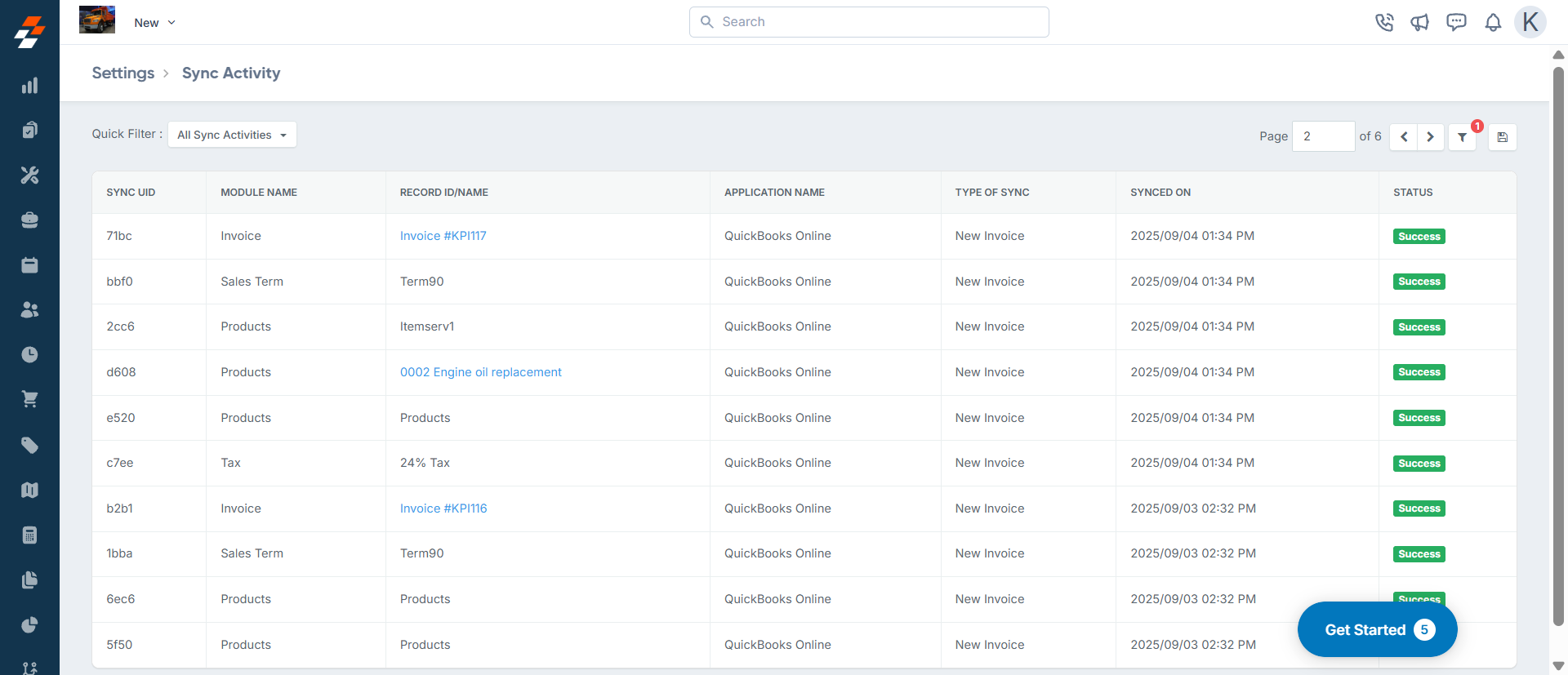
- Click a record id/name to view details.
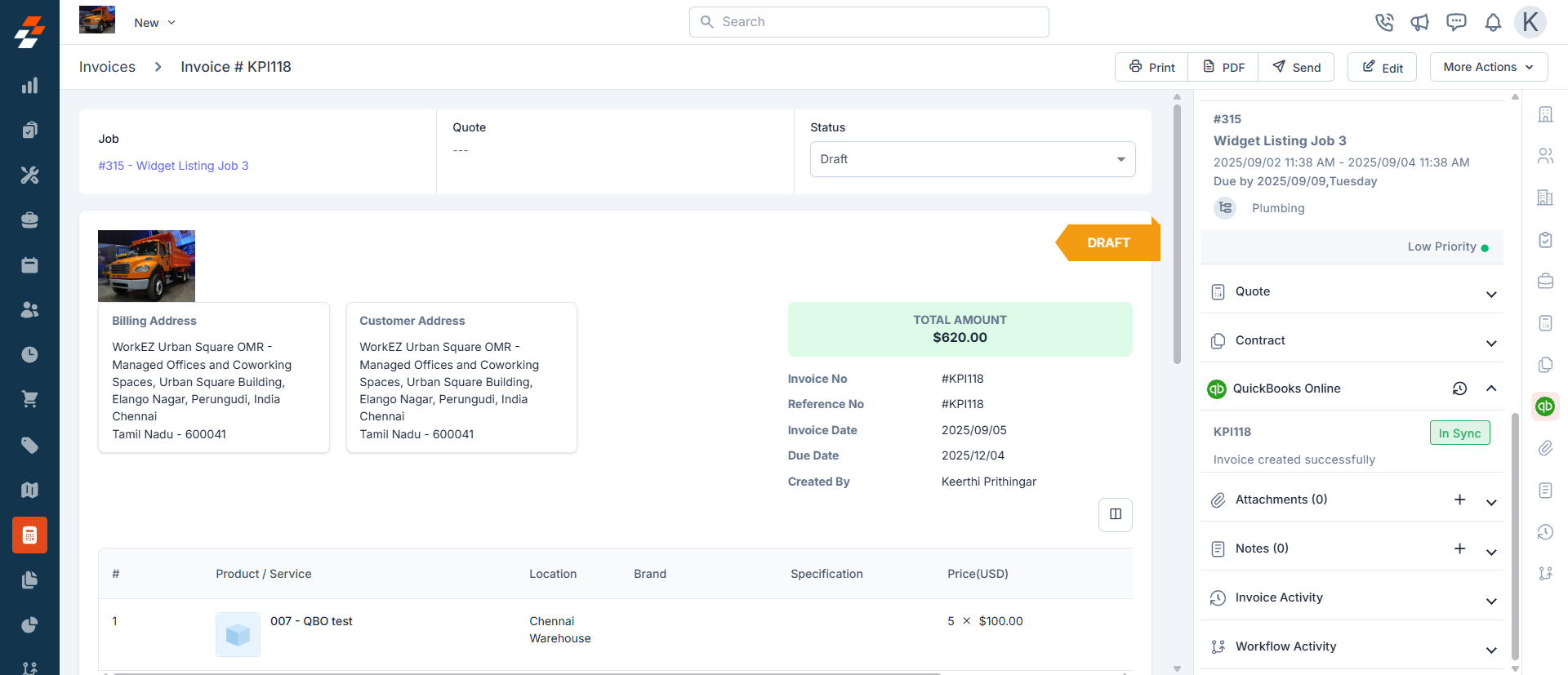
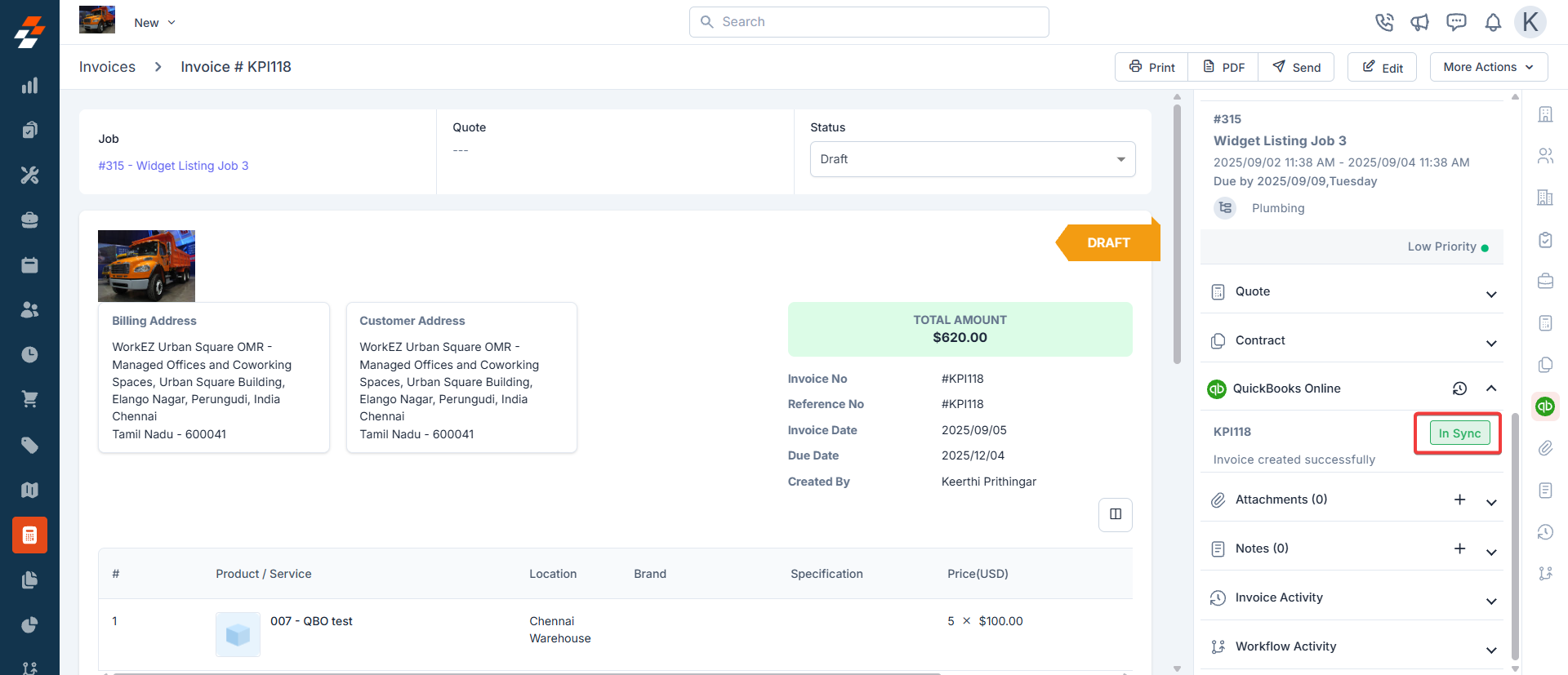
- Click the clock icon to view the Sync History.
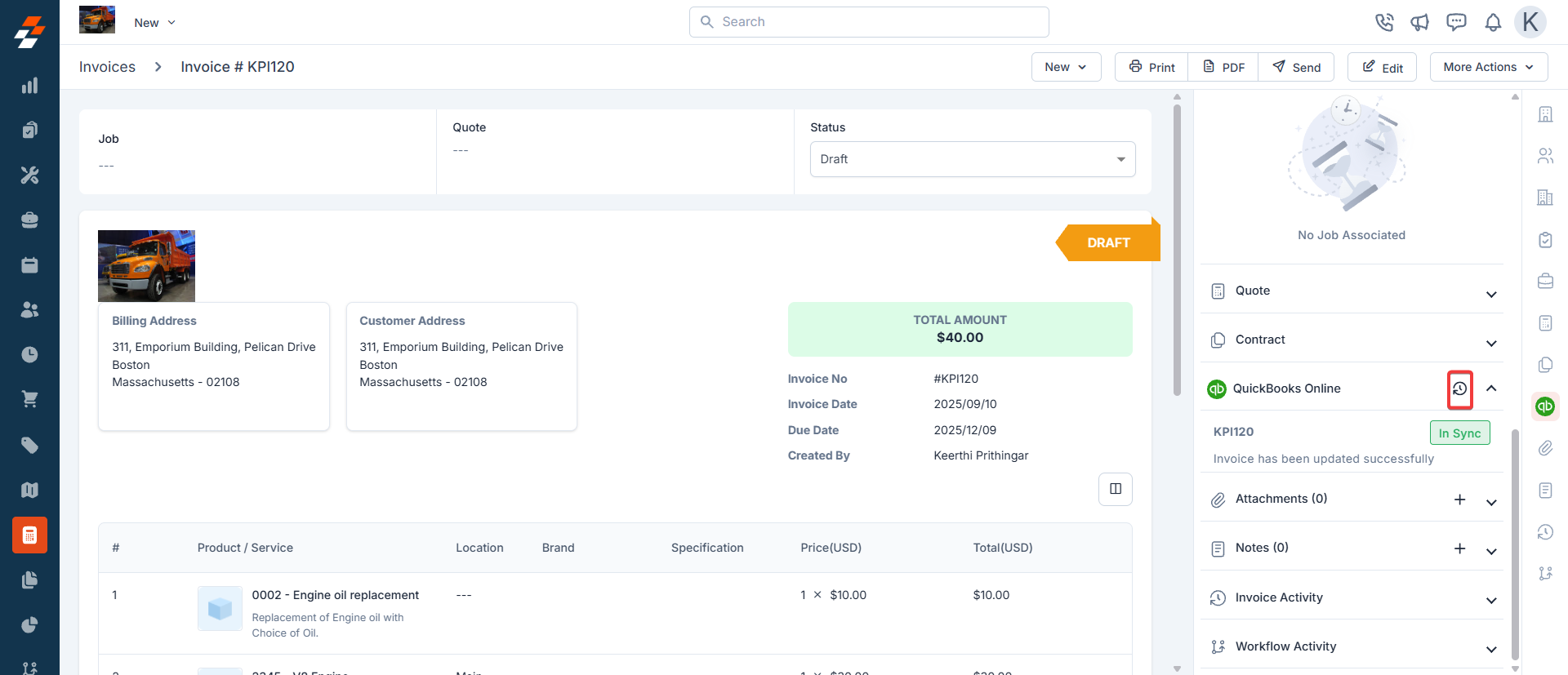
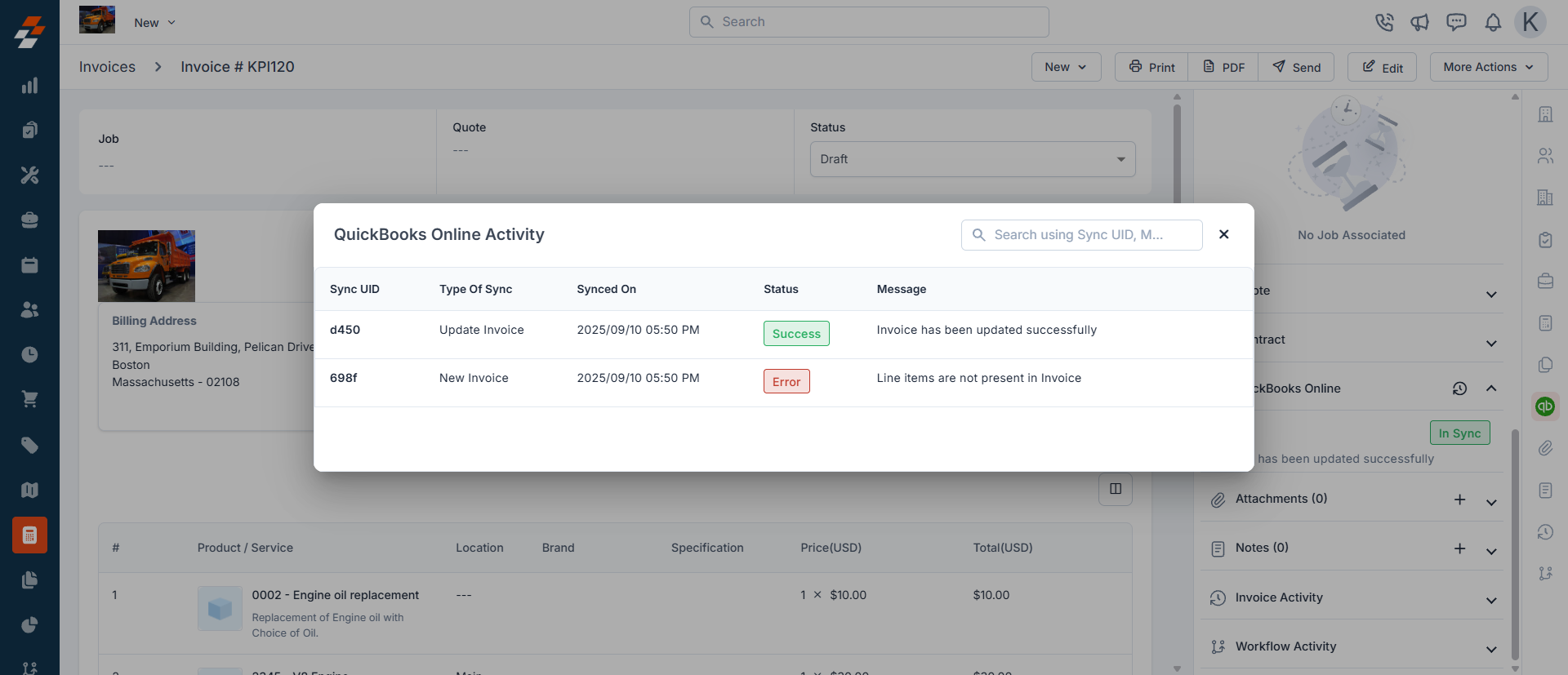
- A dialog box will appear to display the list of recent syncs for the record.
Daily sync limits: To keep the QuickBooks Online integration stable, Zuper limits the number of syncs that can happen each day.
- The company-level limit counts all syncs across your account.
- The record-level limit counts syncs for each individual record, in every module that syncs with QuickBooks Online. Both limits reset daily.
How to Retry Sync?
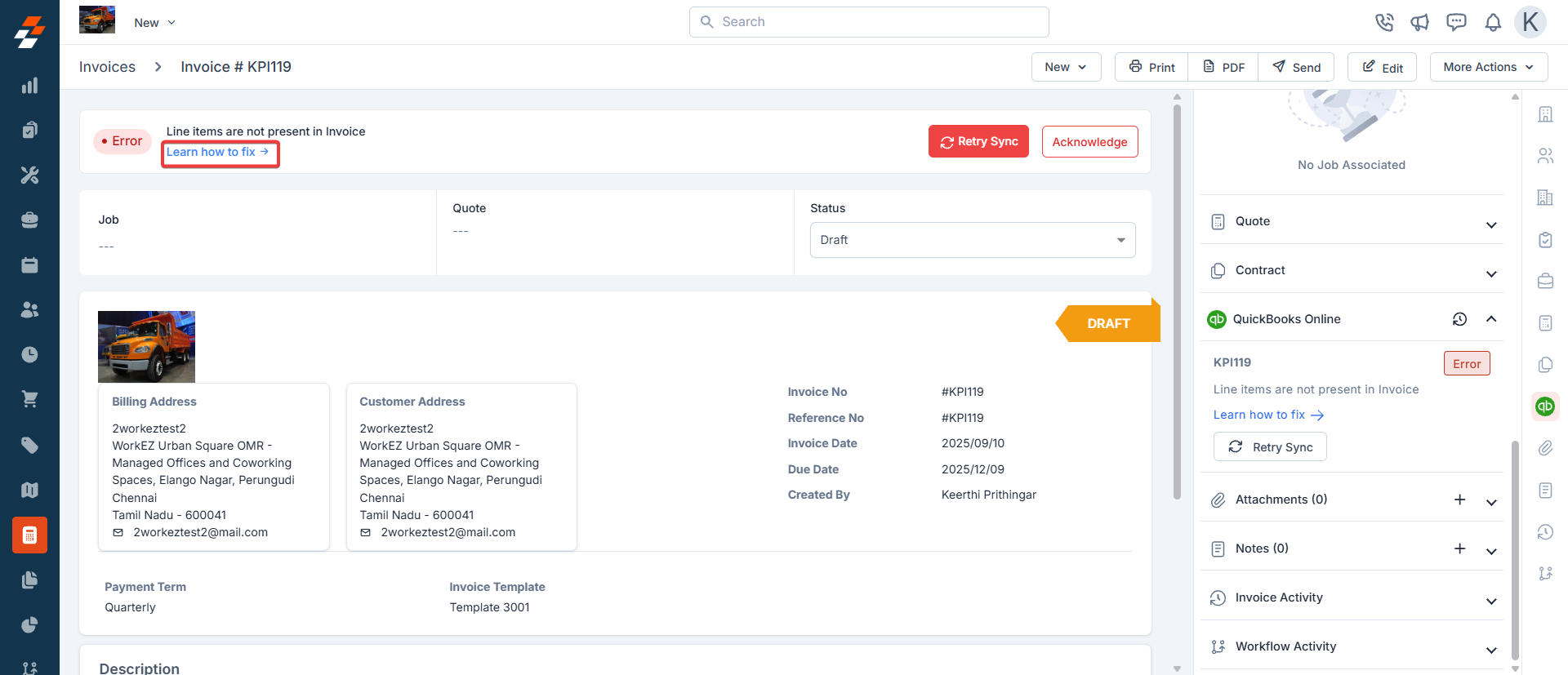
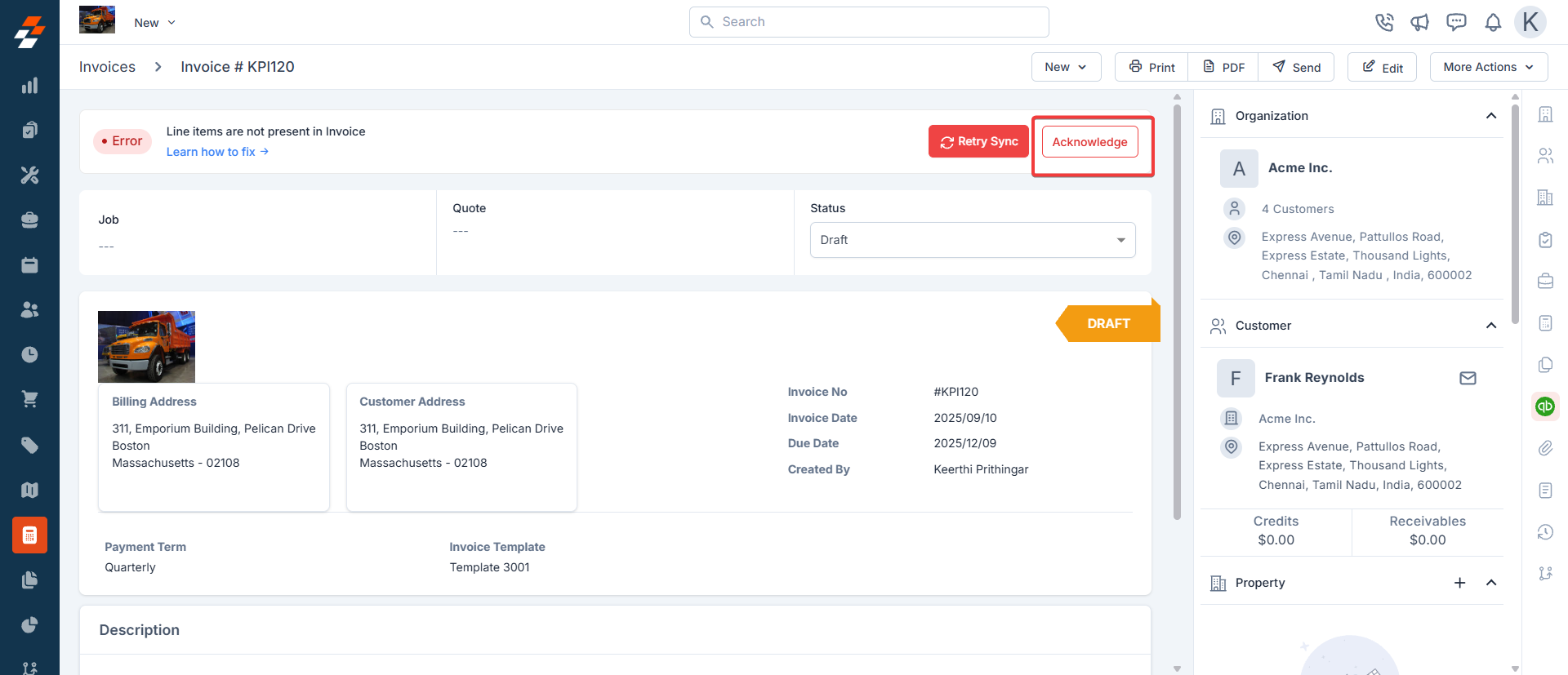
- Whenever an error occurs during the sync, an alert will appear on the Invoice / Quote’s details page.
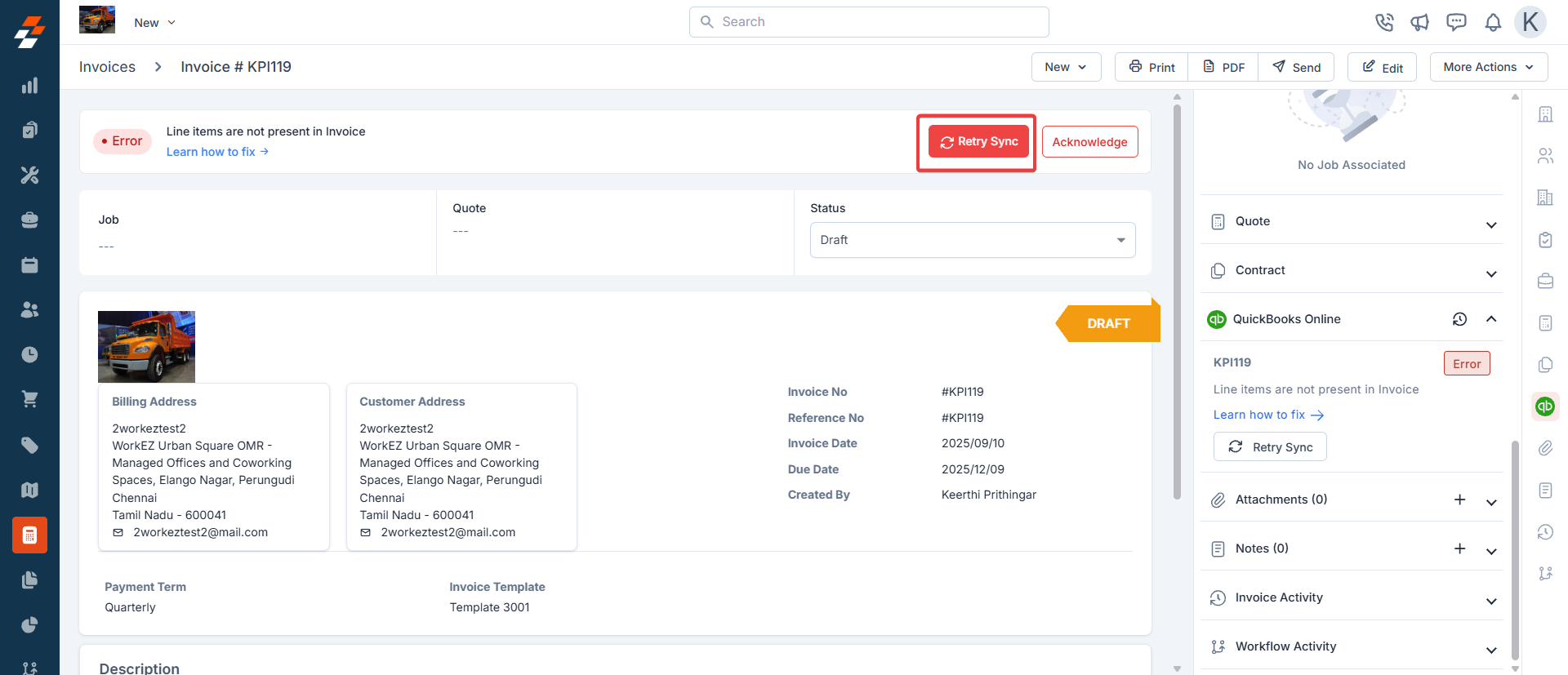
- The sync will happen and it will be completed in few seconds.
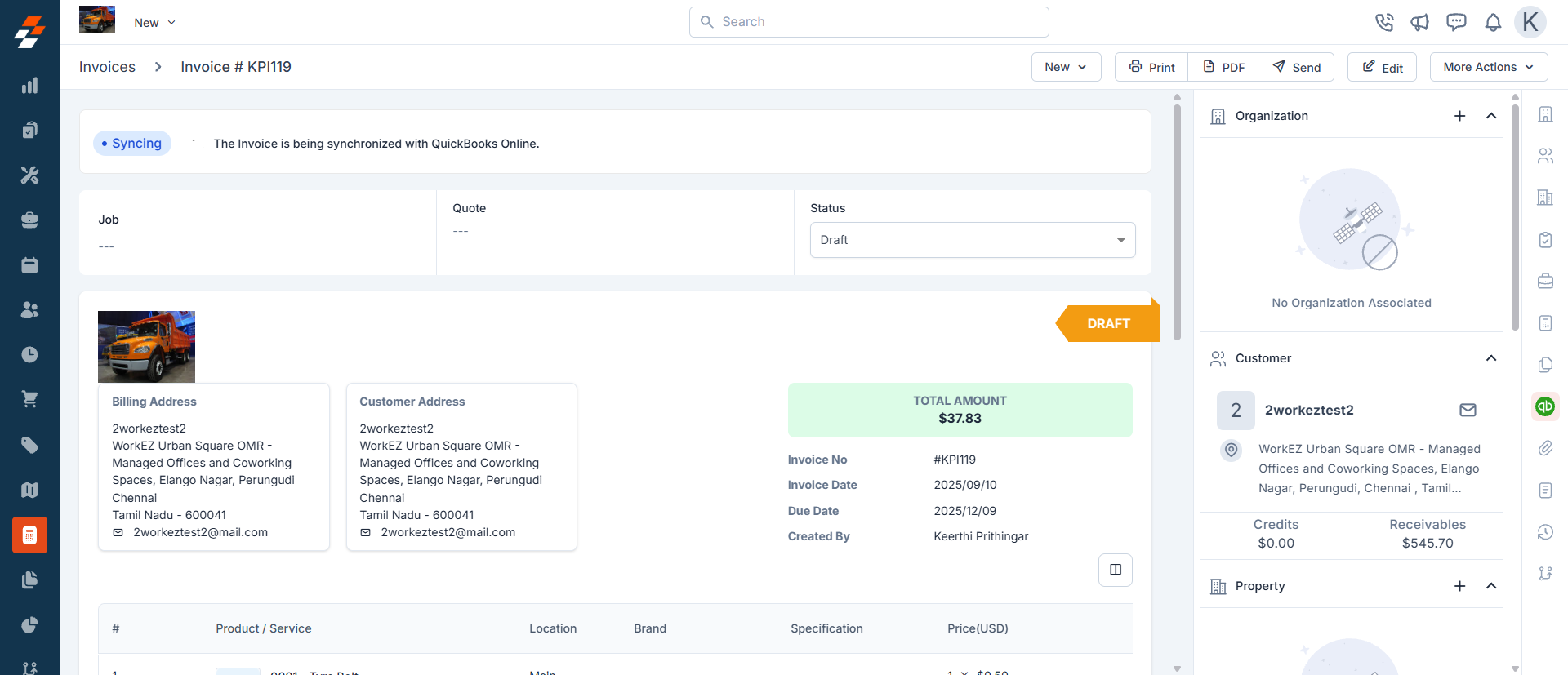
- The sync is successfully done.
- If you wish to acknowledge and dismiss the error, click the “Acknowledge” button.
How To Resolve Errors?
- When the error alert appears, click the “Learn How to Fix” button. You will be redirected to the relevant section of this article, which contains information on resolving errors.