

Navigation: Settings -> Developer Hub -> API Keys
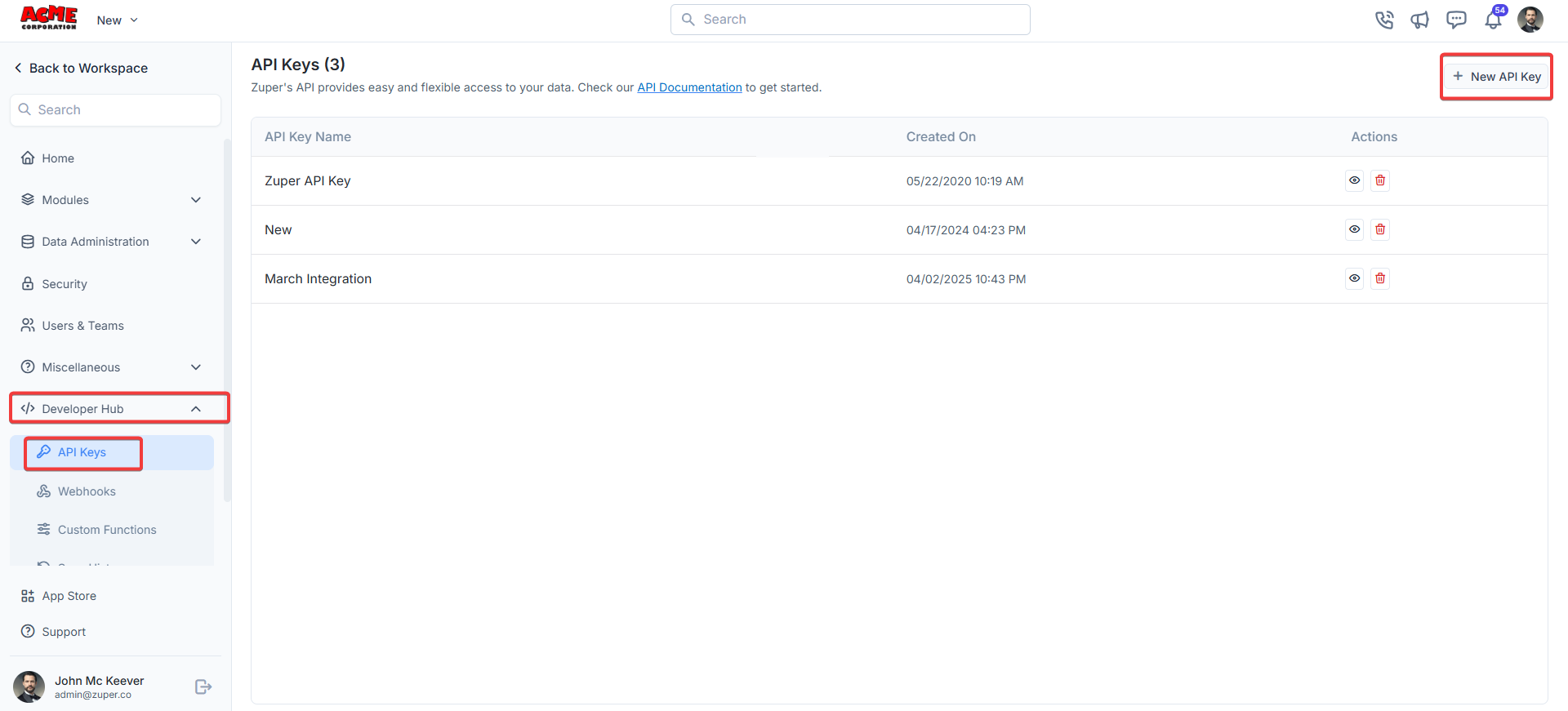
- From the settings, select “Developer Hub,” choose “API Keys,” and click “+New API Key.”
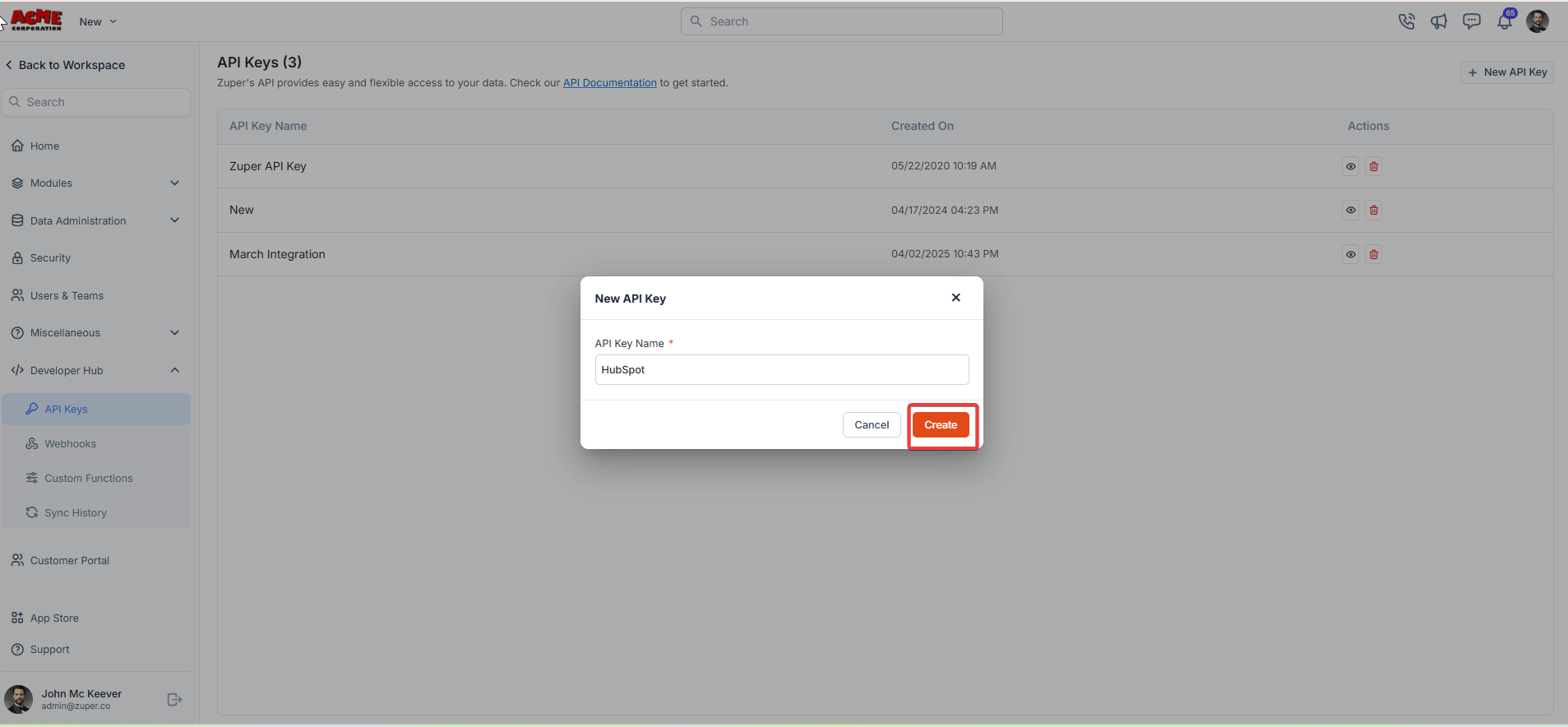
- A “New API Key” dialog box appears. Enter the “API Key Name.” Click the “Create” button to generate the API key.
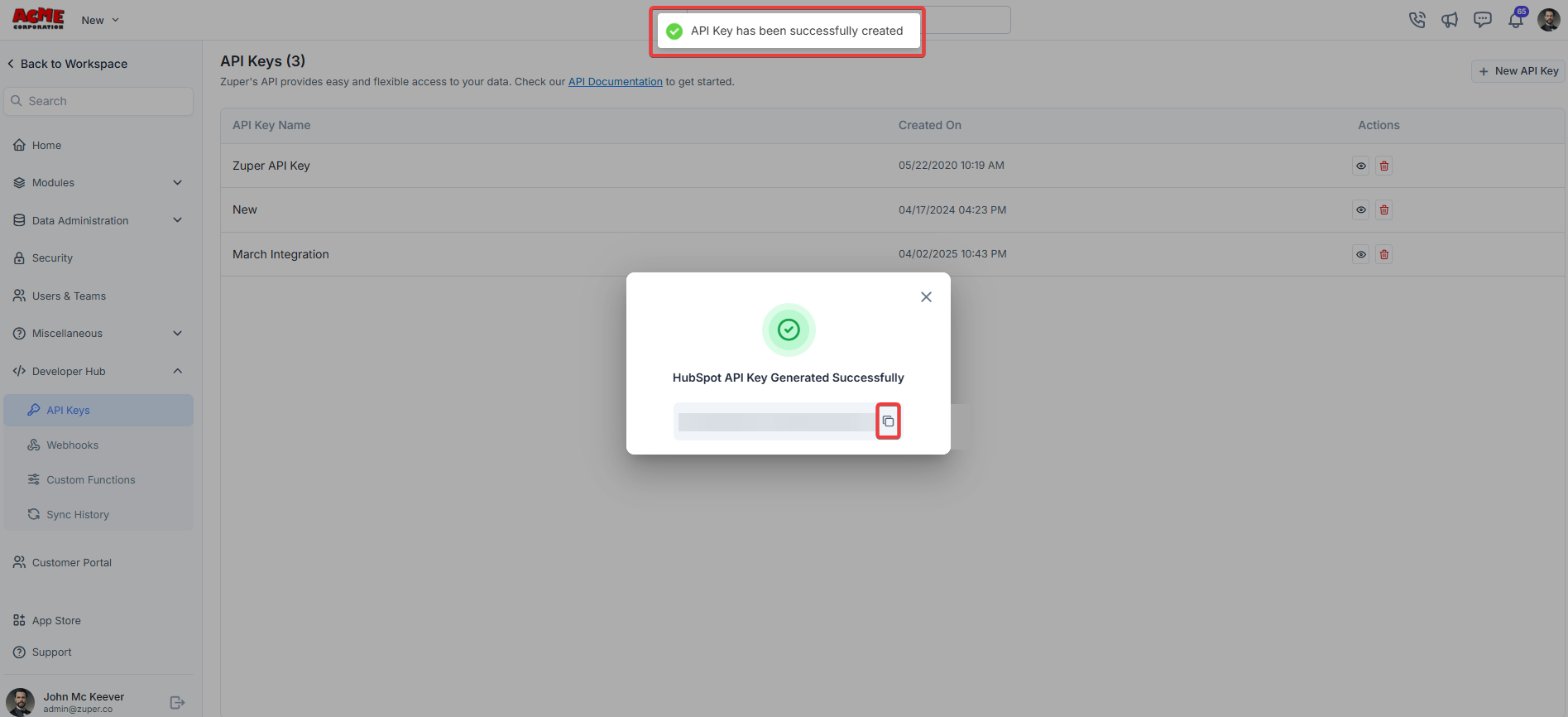
- The API key is successfully created. Click the button to copy the API key.
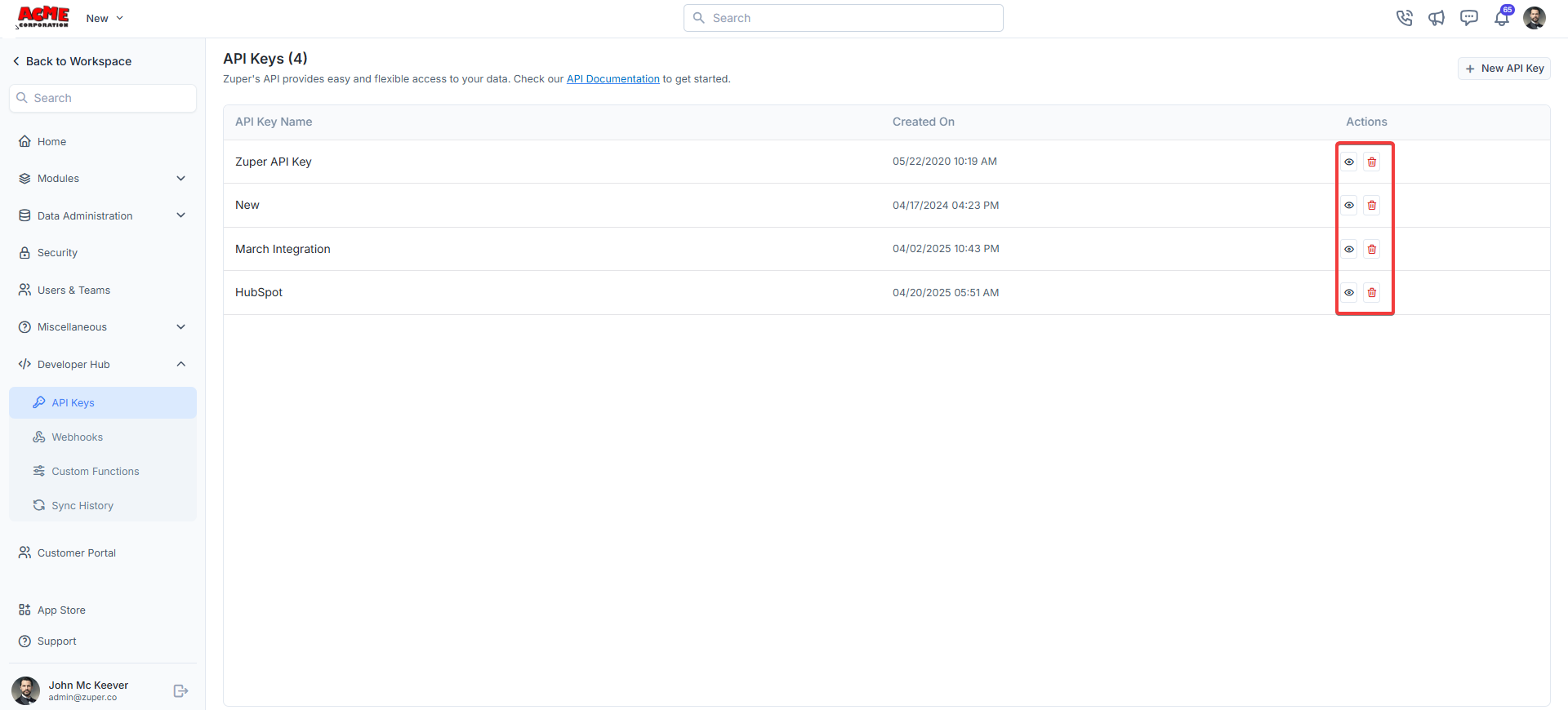
- Under “Actions,” you can view or delete the API key.
Troubleshooting
Note: QuickBooks Online (QBO) sync activities might not trigger records created or updated through an API key user, depending on your system configuration. To avoid this, create a dedicated user account for your QBO integration. Then generate the API key from that account. This keeps your integration activity separate, easier to track, and more consistent over time.