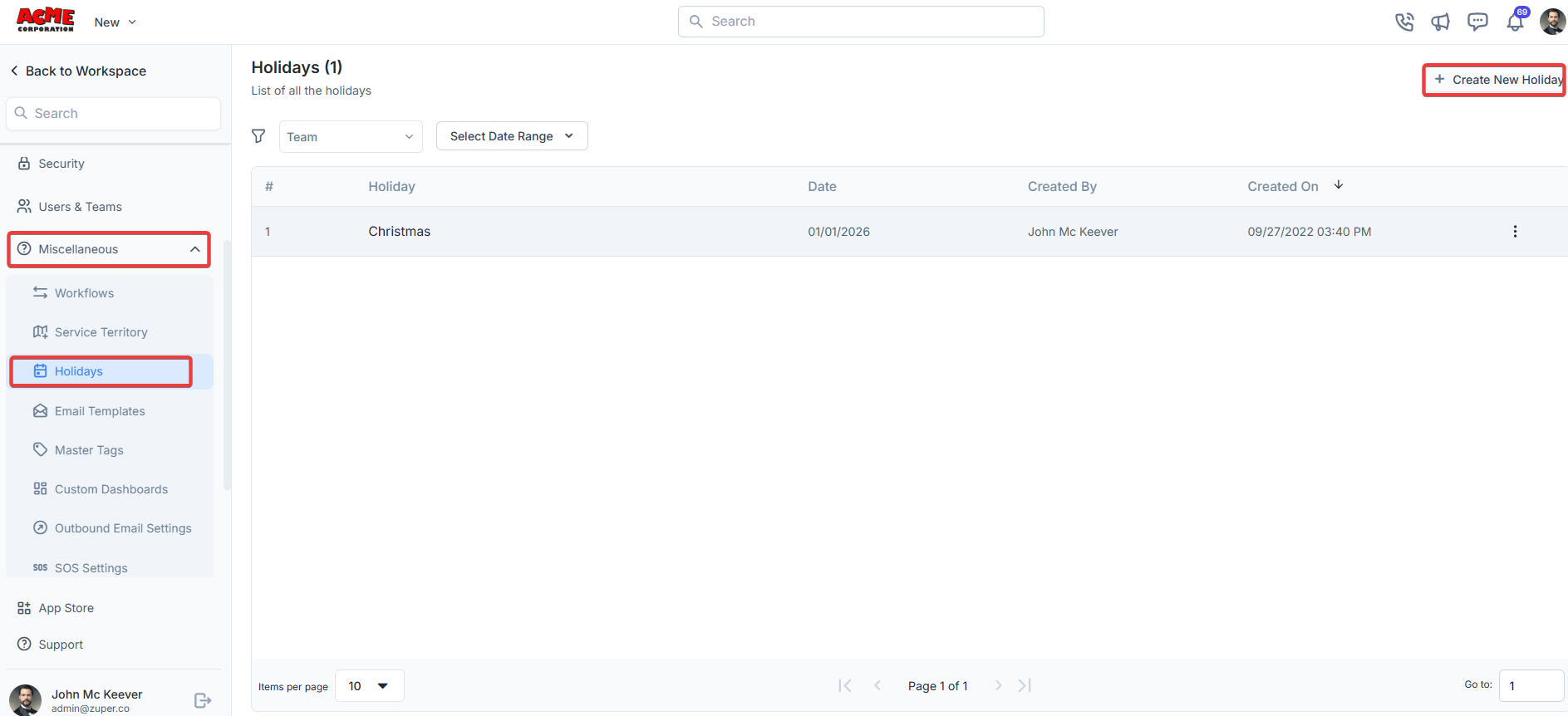
Navigation: Settings -> Miscellaneous -> Holidays
- From the settings, select “Miscellaneous.” Under the “Holidays” section, choose “+ Create New Holiday.”
-
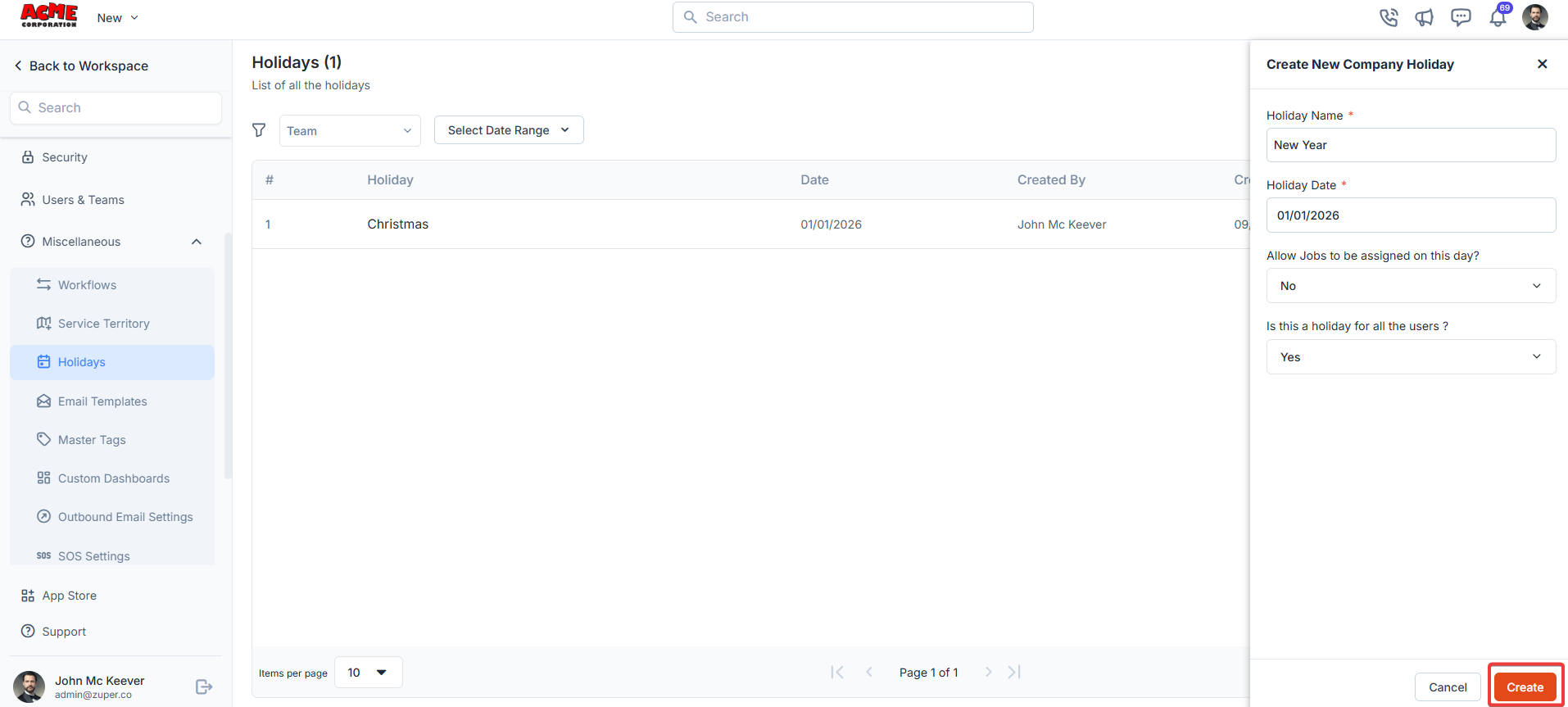
Enter the following details.
Holiday Name: Enter the holiday name.
Holiday Date: Choose the holiday date.
Allow Jobs to be assigned on this day? Choose “Yes” to assign the job on this day. Choose “No” to disable the option.
Is this a holiday for all the users? Choose “Yes” to assign the holiday for all users on this day. Choose “No” to disable the option, which will open an additional option.
Choose applicable team (Dependent field): Choose the team for which the day is a working day.
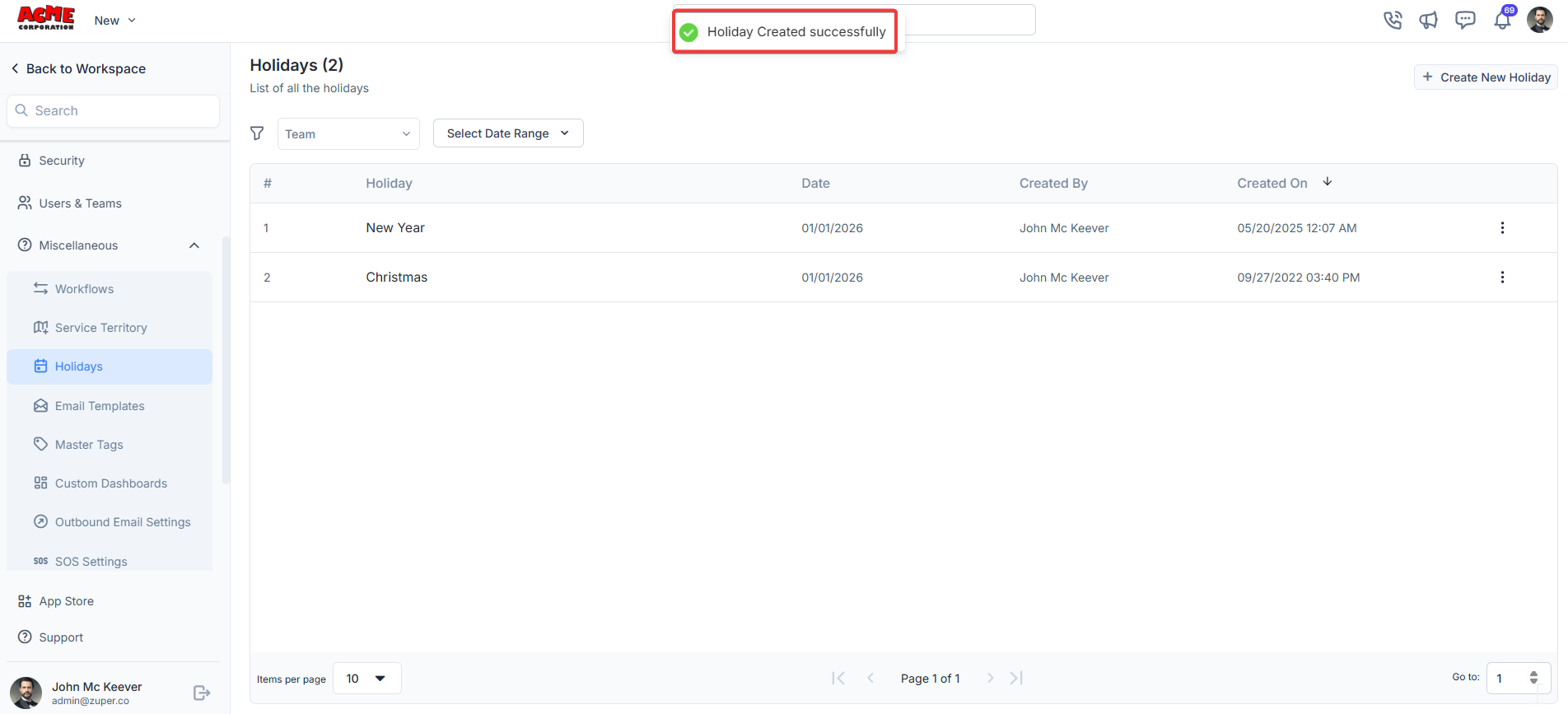
- The holiday is successfully created.
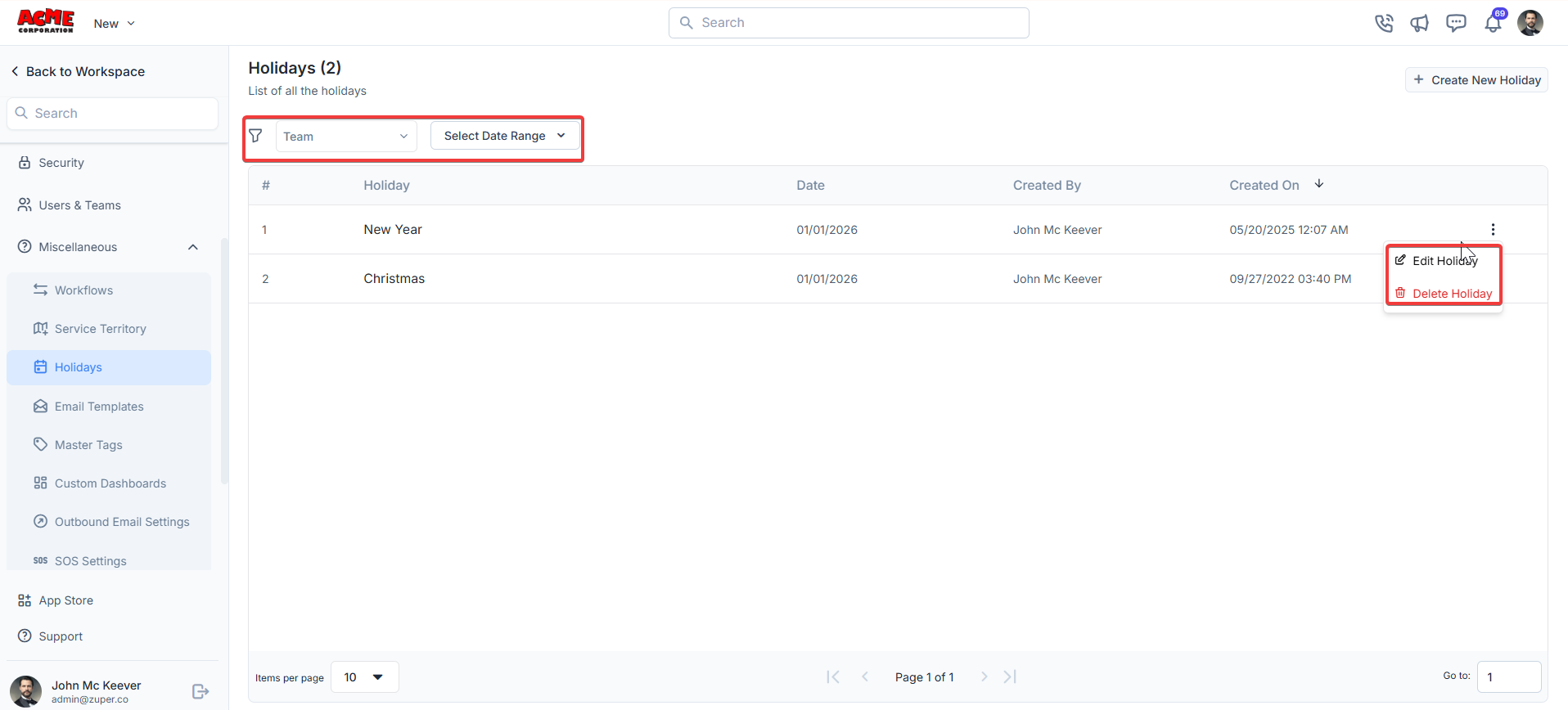
- The team filter and date picker can be done. Click icon to edit or delete the holiday.